2025-2026 Audi Digital Key Activation Issue
Audi has released Technical Service Bulletin (TSB) 2077331/3 addressing issues where the Digital Key activation cannot be completed in the MMI for 2025-2026 Audi A5, S5, Q5, SQ5, A6, S6, and Q6 e-tron models. This bulletin outlines common causes, such as smartphone incompatibility or connectivity…
 Marcus Weber2026 Audi A6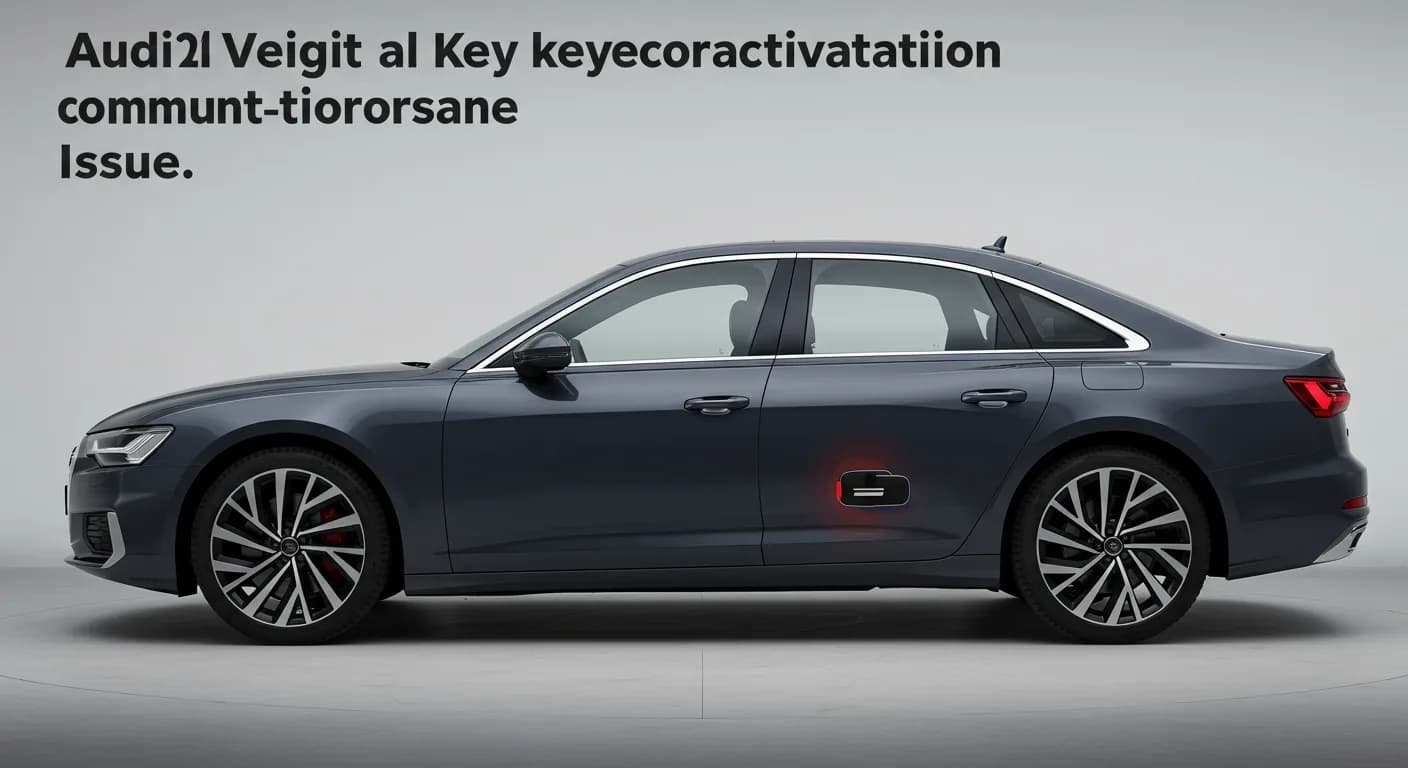
Gilt auch für
- Audi A5
- 2025–2026
- Audi Q5
- 2025–2026
- Audi S5
- 2025–2026
- Audi SQ5
- 2025–2026
Symptoms: Digital Key Activation Failure
Owners of certain 2025-2026 Audi models may encounter a frustrating issue where the Audi Digital Key activation cannot be completed within the Multi Media Interface (MMI) system. This means you are unable to set up or use your smartphone as a digital key for your vehicle, preventing access to this convenient feature.
Technical Background: Why the Digital Key Fails
Audi TSB 2077331/3 identifies several potential reasons why the Audi Digital Key activation might not be successful. These range from user-related factors to technical glitches within the vehicle or Audi's backend systems:
- Smartphone Incompatibility: The customer's smartphone might not be on the list of compatible devices for the Audi Digital Key system. This is a common oversight that can prevent activation.
- Deactivated Mobile Data: If mobile data is not activated in the vehicle, often due to privacy mode settings, the necessary communication for Digital Key setup cannot occur.
- Vehicle Offline: The vehicle itself may be offline, meaning it cannot establish a connection to the internet, which is crucial for the Digital Key activation process.
- Unverified Key User: The dealership may not have properly verified the key user of the vehicle, a critical step in enabling Digital Key functionality.
- Backend Communication Fault: A communication issue on Audi's backend servers could prevent the email containing the personal activation code from being sent to the customer.
- Backend Maintenance: Ongoing maintenance activities on Audi's backend systems can temporarily disrupt the Digital Key activation service.
- Software Issue in J519 Control Unit: A specific software problem within the onboard supply control unit J519 can interfere with the Digital Key's operation.
- Incomplete Key User Nomination/Vehicle Preparation: The process of nominating the key user or preparing the vehicle for Digital Key use may not have been fully completed by the dealership.
Important Notice for Dealers and Owners
Audi has issued a specific advisory regarding this bulletin: "This bulletin may apply to vehicles that are still within the new model launch repair authorization period! For vehicles that are still in the launch phase, the workshop must create a web ticket with the Technical Assistance Center (TAC) per the repair authorization. Reference this TSB in the first line of the TAC case." This means that for newly launched models, specific procedures must be followed by technicians to address this issue.
Repair Procedure Summary
To resolve the issue of Audi Digital Key activation failing, technicians should follow these steps outlined in TSB 2077331/3:
- Check Smartphone Compatibility: Verify that the customer's smartphone is listed as a compatible device for the Audi Digital Key system. If not, the customer will need to use a compatible phone.
- Activate Mobile Data: Ensure that mobile data is activated within the vehicle's MMI system. If it's deactivated, activate it to allow necessary communication.
- Verify Vehicle Online Status: Confirm that the vehicle is online. Look for the globe symbol in the MMI, which indicates connectivity, and ensure there is a strong reception signal.
- Dealership Key User Verification: The dealership must verify the key user's identity and credentials, as this is a prerequisite for Digital Key activation.
- Resend Activation Email: If the activation email was not received, instruct the customer to enter a random incorrect code seven times. This action can trigger the system to resend the email with the personal activation code.
- Attempt Activation Later: If previous steps don't immediately resolve the issue, advise the customer to try the activation process again the following day.
- Reset Terminal 30: Perform a reset of Terminal 30 by disconnecting the vehicle's 12V electrical system for at least 10 minutes. This can resolve various electrical and communication glitches.
- Re-do Key User Activation: Delete the key user from the vehicle's MMI and remove the vehicle from the myAudi app. Afterward, re-establish the key user and confirm the activation within the vehicle.
Smartphone Compatibility for Audi Digital Key
As of Q1 2025, the following devices are compatible with the Audi Digital Key system. It is crucial to check for updated information via the provided manufacturer links:
Apple:
- iPhone 11 / Pro / Pro Max
- iPhone 12 Mini / Pro / Pro Max
- iPhone 13 Mini / Pro / Pro Max
- iPhone 14 Plus / Pro / Pro Max
- iPhone 15 Plus / Pro / Pro Max
- iPhone 16 Plus / Pro / Pro Max
- Watch Series 6 / 7 / 8 / Ultra
Google - Android 12 and newer:
- Pixel 6 Pro
- Pixel 7 Pro
- Pixel Fold
- Pixel 8 Pro
- Pixel 9 Pro
Samsung:
- Galaxy Note 20 Ultra
- Galaxy S21+ / Ultra
- Galaxy S22+ / Ultra
- Galaxy S23+ / Ultra
- Galaxy S24+ / Ultra
- Galaxy Z Fold 2 / 3 / 4
For the most current compatibility lists, please refer to the official manufacturer support pages:
- Apple:
https://support.apple.com/en-us/118271 - Samsung:
https://www.samsung.com/ca/support/apps-services/what-is-digital-key/(applies to USA) - Google:
https://support.google.com/wallet/answer/13037118?hl=en
Warranty Information
This Technical Service Bulletin 2077331/3 outlines specific warranty claim details for addressing the Audi Digital Key activation issue:
- Claim Type: If the vehicle is outside of its warranty period, this bulletin is for informational purposes only, and repairs may not be covered.
- Service Number: 9710
- Damage Code: 0039
- Labor Operations:
- Loosen and secure grounding cable for Terminal 30 reset: 9785 0999
- GFF / Guided Functions: 0150 060
- Claim Comment: Claims should reference "As per TSB 2077331/3" for proper processing. All warranty claims must adhere to the Audi Warranty Policies and Procedures Manual.
What Owners Should Do
If you are experiencing problems with your Audi Digital Key activation in your 2025-2026 Audi, the first step is to ensure your smartphone is compatible and that your vehicle has an active internet connection. If the issue persists, contact your authorized Audi dealership. Inform them about the specific problem, mentioning that the "Digital Key activation cannot be completed in the MMI," and reference TSB 2077331/3. The dealership will be able to perform the necessary diagnostic and repair steps outlined in this bulletin.
Source: NHTSA ID: 11028409
Frequently Asked Questions
- What does Audi TSB 2077331/3 address?
- Audi TSB 2077331/3 addresses situations where the 'Digital Key activation cannot be completed in the MMI' in certain 2025-2026 Audi models. It provides diagnostic steps and repair procedures for technicians to resolve this issue.
- Why might my Audi Digital Key activation fail?
- Your Audi Digital Key activation might fail due to several reasons, including an incompatible smartphone, deactivated mobile data in the vehicle, the vehicle being offline, an unverified key user, or communication faults with Audi's backend systems, as detailed in TSB 2077331/3.
- How can I check if my smartphone is compatible with the Audi Digital Key?
- You can check your smartphone's compatibility by referring to the list of supported Apple, Google, and Samsung devices provided in Audi TSB 2077331/3, or by visiting the official support pages for your phone manufacturer for the most up-to-date information.
- What should I do if my Audi Digital Key activation is not working?
- First, ensure your smartphone is compatible and your vehicle has an active internet connection. If the problem persists, contact your Audi dealership and inform them about the 'Digital Key activation cannot be completed in the MMI' issue, referencing TSB 2077331/3 for their guidance.
Related Articles
2025-2026 Audi Drive System Fault DTC P119A00 P119B00
Audi has issued Technical Service Bulletin 2081542/1 for 2025-2026 A6, S5, and SQ5 models experiencing a 'Drive system fault' and storing DTCs P119A00 or P119B00. This is a known software issue, and a solution is anticipated by Q2 2026. Owners are advised against component replacement.
2025-2026 Audi Rear Lid Malfunction TSB 2081508/1
Audi has released Technical Service Bulletin (TSB) 2081508/1, a Pending Service Solution (PSS 55), concerning a rear lid malfunction in certain 2025-2026 Audi A5, S5, Q5, SQ5, and A6 models. Owners may experience the rear lid not opening or closing fully, or closing too quickly. This TSB outlines…
2025-2026 Audi Software Update 03.11.00/C Overview
Audi TSB 2081477/1 details the planned introduction dates for the combined software update 03.11.00/C PPE/PPC KD2 for various 2025-2026 Audi models. This informational bulletin outlines new software versions and affected platforms.
2025-2026 Audi Radiator Fan Fault P1A7B00 TSB
Audi has released Technical Service Bulletin 2081427/1 to address a check engine light (MIL) and unusual radiator fan behavior, often accompanied by DTC P1A7B00, in certain 2025-2026 A5, S5, Q5, SQ5, and 2026 A6 models. The fix involves configuring the HCP4 control unit.
2025-2026 Audi Time Changes Automatically While Driving
Audi has issued Technical Service Bulletin 2081404/1 addressing a software issue in 2025-2026 A5, Q5, and A6 models where the vehicle's clock automatically changes by an hour while driving. This TSB explains that a permanent fix is expected by late 2026, and no component replacement is needed.
Leave a comment
Comments are moderated and may take a moment to appear. Only your first name and the initial of your last name are shown publicly.
Comments
Be the first to comment.