2014-2023 Nissan Infotainment Software Update TSB
Nissan has released Technical Service Bulletin NTB23-018A to address various infotainment issues, including stability improvements and bug fixes, across a wide range of 2014-2023 models. This update requires a special USB drive and specific installation procedures.

Gilt auch für
- Nissan Altima
- 2021–2023
- Nissan Armada
- 2021–2023
- Nissan Frontier
- 2021–2023
- Nissan Kicks
- 2021–2023
- Nissan Leaf
- 2021–2023
- Nissan Maxima
- 2021–2023
- Nissan Murano
- 2021–2023
- Nissan NV
- 2021
- Nissan NV200
- 2021
- Nissan Pathfinder
- 2022–2023
- Nissan Rogue
- 2021–2023
- Nissan Rogue Sport
- 2021–2022
- Nissan Sentra
- 2022–2023
- Nissan Titan
- 2021–2023
- Nissan Versa
- 2021–2023
▸ 9 weitere anzeigen▾ Weniger anzeigen
Nissan has released Technical Service Bulletin NTB23-018A to provide a comprehensive Nissan infotainment software update for various models experiencing issues such as stability problems and general 'bug' fixes. This bulletin outlines the necessary steps for technicians to check the current software version of the AV Control Unit and perform updates using a special USB drive. The updates aim to enhance the performance and reliability of the infotainment system across a wide range of Nissan vehicles from 2014 to 2023.
Why This Matters
Infotainment systems are central to the modern driving experience, providing navigation, entertainment, and connectivity. Issues like system instability, freezing, or unresponsiveness can significantly detract from vehicle usability and driver satisfaction. This Nissan infotainment software update is crucial for ensuring your vehicle's system operates smoothly, offering a more reliable and enjoyable experience. It addresses underlying software glitches that could lead to intermittent problems.
Important Warnings for Owners
Nissan has issued several critical warnings that owners and technicians must observe to ensure the successful and safe application of this software update:
- USB Drive Usage: "Do not use any other USB drive to perform the procedure in this bulletin." Only the special tool USB drive J-52727-1 (new tool number NI-52727-1) is approved. Also, "The update-software must be the only file on the USB drive." to prevent issues.
- Hardware vs. Software: "If the customer is experiencing a software related concern, refer to NTB21-038 to verify if the customer concern is a hardware or software related issue." This ensures the correct diagnosis and repair.
- Unnecessary Updates: "Do not update the AV Control Unit if the current version number is listed in this box" (referring to the 'Latest Software Version' in the vehicle tables). An update is not needed if the system is already current.
- USB Port Selection: "Do not insert the USB drive into a charging port. If used, the update-software and/or USB drive may become damaged. Only insert the USB drive in a USB media port." Charging ports are typically marked with a "lightning bolt" symbol.
- During Update: "Do not remove the USB drive during the update to the vehicle until instructed to." Premature removal can corrupt the AV Control Unit. Similarly, "Do not remove the USB drive during this process" (referring to the software copying phase) and "Do not turn the ignition OFF" during the update are critical.
- Reboot Procedure: "If steps 55-62 [Install 2 reboot procedure] are not completed, the update may become corrupted." Furthermore, "Ensure that all doors remain closed during the 5 minute wait period. If a door is opened during the 5 minute wait period, the update may not complete and the AV Control Unit may become inoperable." This strict adherence is vital for system integrity.
- Multi-File Updates: For procedures requiring multiple software files (e.g., Install 3), "To prevent damage to the AV Control Unit, do NOT remove the USB drive unless the AV Control Unit has rebooted and the main MENU screen... is displayed." Also, "If steps 71-76 [Install 3 second file] are not completed... AV Control Unit will not operate correctly."
- Bluetooth Re-pairing: "If this [Bluetooth re-pairing] is not performed, the phone may no longer connect with the vehicle." This is a crucial post-update step for continued phone connectivity.
Required Tools and Software
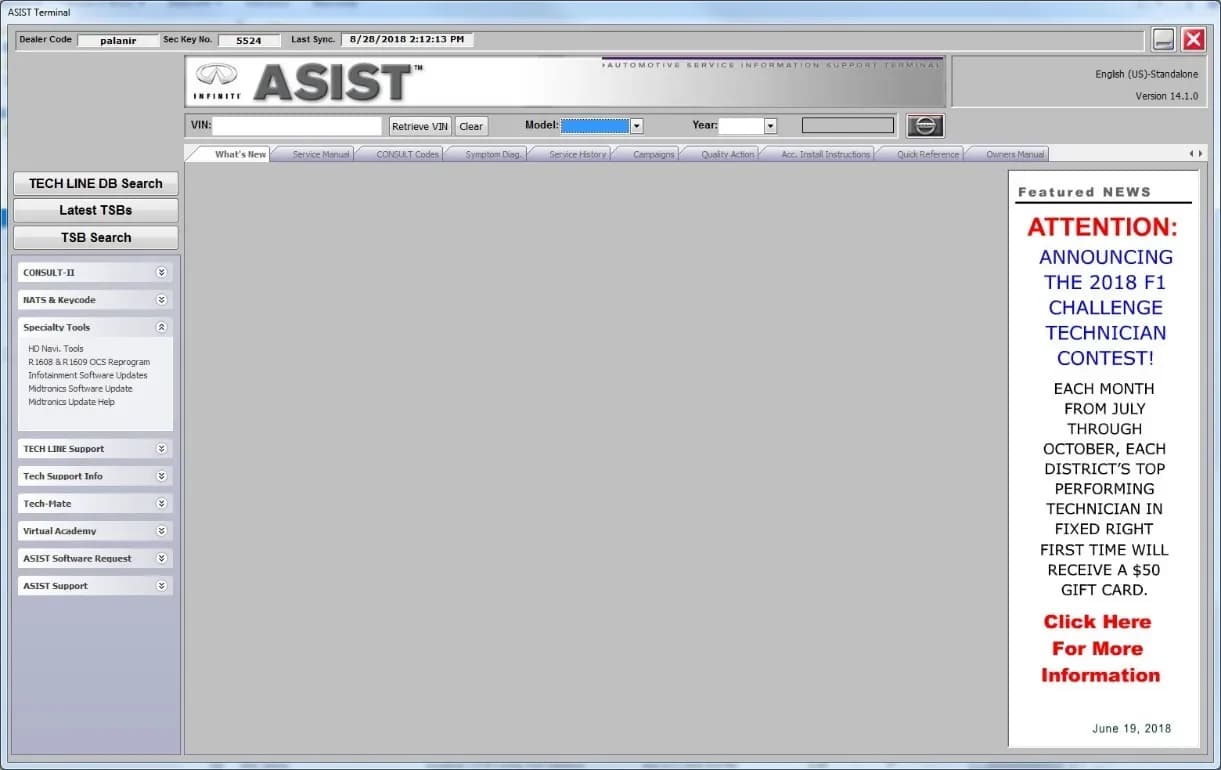
To perform this Nissan infotainment software update, a special tool USB drive, part number J-52727-1 (also known as NI-52727-1), is required. This drive can be purchased from Tech-Mate at www.techmatetools.com or by calling 1-833-397-3493. The update software, which may include files like LD001, LD005, F220, F221, IVI003, PIVI31 1890, AIVI31_5256, IVI4620, AIVI21_550_D41, AIVI21_550_P15, AIVI21_550_ZE1, IVI3387, AIVI20_845, IVI001, and AIVI21_550_B18 depending on the vehicle, must be downloaded from the ASIST system onto this specific USB drive. It is essential that the update software is the only file on the USB drive.
Checking Your Current Software Version
Before any update, technicians must verify the current software version of the AV Control Unit. This is done through various
Galerie
74 Bilder
Frequently Asked Questions
- What does Nissan TSB NTB23-018A address?
- Nissan TSB NTB23-018A addresses various infotainment issues, including stability improvements and general 'bug' fixes, by providing procedures for updating the AV Control Unit software in affected Nissan vehicles.
- What special tools are required for this infotainment software update?
- Technicians performing this Nissan infotainment software update will need a special tool USB drive, specifically J-52727-1 (new tool number NI-52727-1), to download and install the necessary software files.
- Can I perform the Nissan infotainment software update myself?
- Nissan states that these bulletins are intended for use by qualified technicians. It is recommended to visit your Nissan dealer to determine if this update applies to your vehicle and to have it performed by trained professionals.
- What happens if the USB drive is removed prematurely during the update?
- If the USB drive is removed before the update is complete, the AV Control Unit software may become corrupted, potentially leading to system damage or inoperability. It is crucial to follow all on-screen instructions and wait until prompted to remove the drive.
What Nissan Sentra owners report
Counted from the records in our database across 45 model years.
- 5,975
- Owner complaints
- 62
- Recalls
- 710
- Service bulletins
- 600
- Crashes reported
- 123
- Fires reported
- 523
- Injuries reported
The 2021 model year
133 complaints, the 21st most of 45 model years on file. Owners reported 15 crashes, 1 fire and 9 injuries for this year, which also has 3 recalls on file.
Equipment and Electrical System, the system this article covers, accounts for 906 of 5,975 complaints (15%), including 38 for 2021.
Complaints by model year
| 2001 | 236 | |
|---|---|---|
| 2002 | 318 | |
| 2013 | 638 | |
| 2014 | 380 | |
| 2015 | 352 | |
| 2016 | 270 | |
| 2017 | 231 | |
| 2019 | 223 | |
| 2020 | 207 | |
| 2021 | 133 |
Most-reported systems
- Power Train — 1,287
- Electrical System — 839
- Air Bags — 779
- Engine — 679
- Engine And Engine Cooling — 650
Latest recalls for the 2021 model year
- 23V628000 — Back Over Prevention (Sep 2023)
- 23V581000 — Steering (Aug 2023)
- 21V461000 — Steering (Jun 2021)
Recent owner reports about equipment and electrical system
The infotainment/radio system in my 2021 Nissan Sentra intermittently reboots and produces static. When this happens, the backup camera freezes or shuts off completely.
Read owner complaints →The passenger front, and both back windows no longer function. This appears to be a common issue when searching the internet. There is also an issue with the keyless start, as it often does not recognize that the fob is in the vehicle, or gives a low batter…
Complaints are owner reports filed with NHTSA. They are unverified, and counts depend on how many vehicles were sold, so they are not a failure rate.
Related Articles
2021-2024 Nissan Sentra CVT Removal Tool TSB
Nissan Technical Service Bulletin NTB24-045 introduces new engine support tools and a revised procedure for 2021-2024 Sentra models. This update allows technicians to remove the Continuously Variable Transmission (CVT) without also needing to remove the engine, streamlining complex transmission…
2020-2024 Nissan B2E01-96 Internal Battery DTC TSB
Nissan Technical Service Bulletin NTB22-027B provides a procedure to clear DTC B2E01-96, related to the internal battery of the Telematics Communication Unit (TCU), affecting various 2020-2024 Nissan models.
2021-2024 Nissan Sentra Front Rattle or Knock Noise TSB
Nissan has issued Technical Service Bulletin NTB22-045B for 2021-2024 Sentra models experiencing a rattle or knock noise from the front, especially when driving over bumps or turning. This bulletin identifies the passenger (RH) side Engine Mounting Insulator as the likely cause.
2021-2022 Nissan Sentra Inner Tie Rod Recall R23B3
Nissan is conducting a voluntary safety recall, R23B3, for certain 2021-2022 Sentra vehicles to replace both inner tie rods. This essential steering component replacement will be performed at no charge to the customer.
2021 Nissan Sentra False AEB/FCW Activation TSB
Owners of 2021 Nissan Sentra vehicles may experience false activation or unexpected braking from the Automatic Emergency Braking (AEB) or Forward Collision Warning (FCW) systems. Nissan Technical Service Bulletin NTB21-115A provides a software update to the ICC/ADAS 2 module to resolve this issue.
Leave a comment
Comments are moderated and may take a moment to appear. Only your first name and the initial of your last name are shown publicly.
Comments
Be the first to comment.