2024-2025 Audi MIB3 Radio Favorites and Settings Lost TSB
Audi has released Technical Service Bulletin 2075315/2 to address issues where MIB3 infotainment system settings, such as radio favorites, navigation data, and sound preferences, are lost after the ignition is turned off. This TSB applies to various 2024-2025 Audi models.
 Sarah Mitchell2024 Audi S3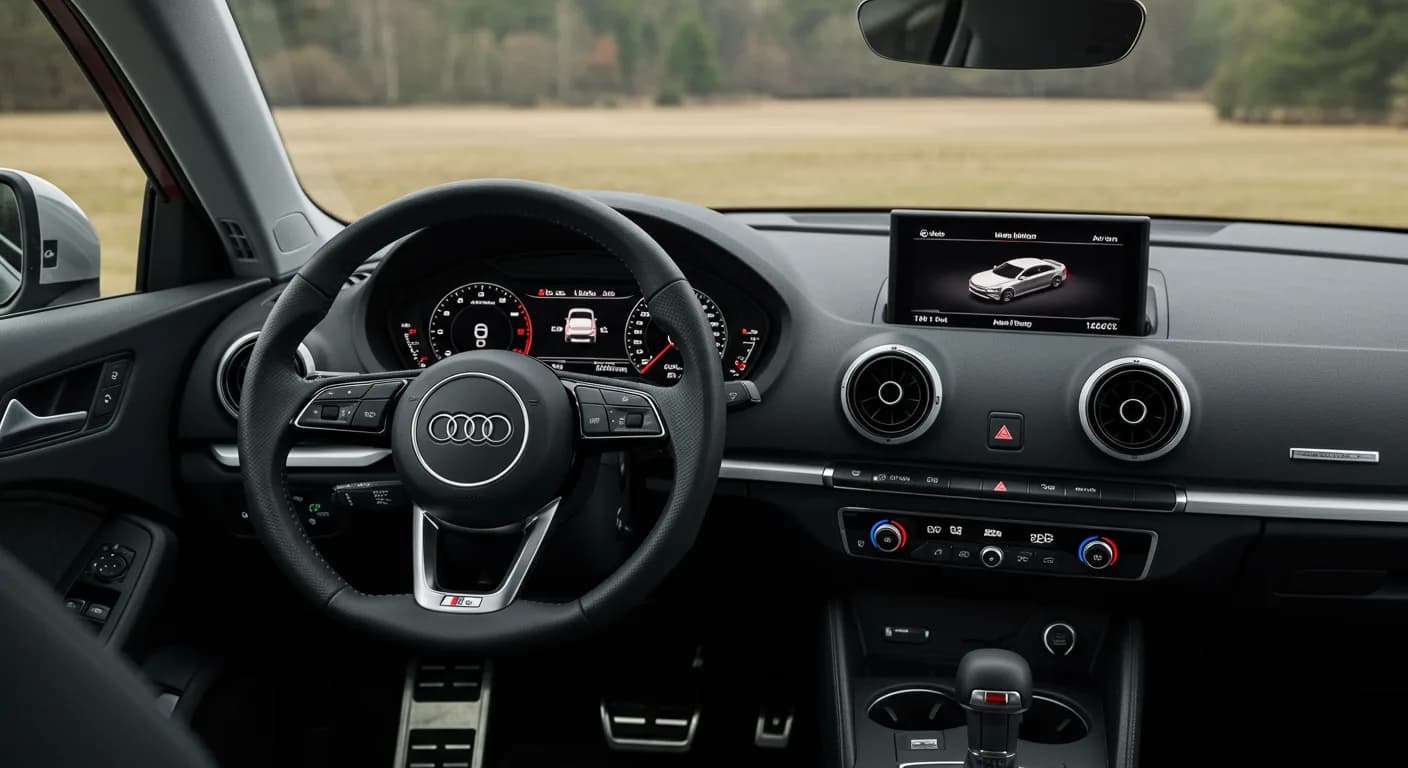
Also applies to
- Audi A3
- 2024–2025
- Audi Q3
- 2024
- Audi RS 3
- 2024
- Audi S3
- 2025
Audi has issued Technical Service Bulletin (TSB) 2075315/2 to address a concern affecting the MIB3 infotainment system in certain 2024-2025 models. This bulletin, which supersedes TSB Group 91 number 24-54 dated September 18, 2024, details how radio favorites, navigation settings, and sound preferences may be lost after the vehicle's ignition is switched off or after it has been parked for an extended period. The TSB 2075315/2 also notes that the setup wizard might repeatedly appear.
Symptoms
Owners of affected 2024-2025 Audi vehicles may experience one or more of the following issues related to their MIB3 infotainment system:
- "The radio stations saved as favorites during the last trip are no longer stored, after the ignition has been switched off and back on again, or after the vehicle has been parked for an extended period. (In certain cases, only the frequency 88.3 MHz is displayed)."
- "The navigation settings are not saved or are lost after the ignition is switched off and back on. (Last destinations, favorites, etc.)."
- "The sound settings (e.g., balance / fader) are not saved or are lost after switching the ignition off and back on."
- "The setup wizard is displayed repeatedly even though it has already been completed."
These symptoms indicate that the Audi MIB3 settings lost problem is occurring, preventing the system from retaining user-defined preferences.
Diagnosis / Trigger Conditions
According to the TSB, the root cause of the Audi MIB3 settings lost issue stems from an unsuccessful factory settings restoration during the vehicle's Pre-Delivery Inspection (PDI) at the dealership. If the ODIS tester used during PDI did not correctly restore the system to factory settings, the MIB3 system would fail to create the necessary file structure for saving favorites and other settings.
Important Warnings
There are critical considerations for both technicians and owners regarding this issue:
- PDI Requirement: "The pre-delivery inspection (PDI) must be performed using an ODIS tester that corresponds to the tester version specified above, or higher. This is the only way to ensure that the correct test plan is used when resetting the MMI to factory settings and that the settings are stored correctly."
- Data Loss After MMI Reset: "After resetting the system, all settings are restored to factory settings. This also applies to all settings and device connections stored by the user: Navigation destinations, Cell phones, Wi-Fi devices, Key user for Audi connect functions, Etc. The desired settings or device connections must now be set up again. The setup wizard must also be completed again."
Software Updates
Audi has implemented a production solution by modifying the test plan routine in specific ODIS software versions. This ensures that the complaint will no longer occur in newly delivered vehicles. The fixed ODIS software versions are:
- ODIS Service 24.1.1
- Audi brand software version 2024.10.01 / 2.35.4
Repair Procedure Summary
For existing vehicles experiencing the Audi MIB3 settings lost issue, the primary repair involves resetting the MMI system to its factory settings. This procedure will resolve the problem by allowing the system to correctly establish the file structure needed to save settings. Owners can perform this by navigating through the MMI system menu:
- On the home screen, select: Settings.
- Then, select: System maintenance.
- Finally, choose: Restore factory settings.
Follow the on-screen instructions. The system will reset and restart, which may take a few minutes. After the reset, all personal settings and device connections will be erased, and the setup wizard will need to be completed again.
Warranty Information
This Technical Service Bulletin (TSB) 2075315/2 is informational only if the vehicle is outside its warranty period. For warranty claims, the Service Number is 9196, the Damage Code is AX39, and the Labor Operation for resetting to factory settings via the MIB system is 9196 0599 with 20 Time Units (TU). This TSB officially closes the previously tracked PSS 2074612 related to this MIB3 issue.
Source: NHTSA ID: 11009968
Frequently Asked Questions
- What does Audi TSB 2075315/2 address?
- Audi TSB 2075315/2 addresses an issue in 2024-2025 Audi models where the MIB3 infotainment system loses settings such as radio favorites, navigation data, and sound preferences after the ignition is turned off or the vehicle is parked for an extended period.
- Why are my Audi MIB3 settings lost?
- The primary reason for your Audi MIB3 settings being lost is often an incomplete or incorrect factory settings restoration during the vehicle's Pre-Delivery Inspection (PDI) at the dealership. This prevents the MIB3 system from creating the necessary file structure to save your preferences.
- How can I fix the issue of lost MIB3 settings in my Audi?
- You can resolve the 'Audi MIB3 settings lost' issue by performing a factory reset of your MMI system. Navigate to 'Settings > System maintenance > Restore factory settings' in your MMI menu. Be aware that this will erase all personal settings and device connections, requiring you to set them up again.
- Will resetting my MMI system erase all my data?
- Yes, performing a factory reset on your MMI system will restore all settings to their original factory state. This includes deleting navigation destinations, paired cell phones, Wi-Fi device connections, and key user information for Audi connect functions. You will need to reconfigure these after the reset.
Related Articles
2024-2025 Audi MMI Emergency Call Fault Software Update TSB
Audi Technical Service Bulletin 2081007/1 addresses MMI function problems and 'Emergency call fault' messages in 2024-2025 Audi A3, S3, RS 3, and Q3 models. A software update for the MMI, OCU, and gateway modules resolves these issues.
2022-2025 Audi Pre Sense Warning, Jolt, or Braking TSB
Audi has released Technical Service Bulletin 2069662/3 to address customer complaints of false 'Audi pre sense' warnings, warning jolts, or unexpected brake engagement in 2022-2025 Audi A3, S3, and RS 3 models. This TSB outlines diagnostic steps for technicians.
2023-2024 Audi A3 / S3 / RS 3 P0A8200 Cooling Fan Fault
Audi has issued Technical Service Bulletin (TSB) 2080516/1 for 2023-2024 A3, S3, and RS 3 models equipped with the 48V MHEV system. It addresses the 'Vehicle electrical system fault' message and diagnostic trouble code P0A8200, related to the hybrid battery cooling fan or low battery charge.
2024-2025 Audi A3, S3, RS 3 Air Flow Intensity Issue TSB
Audi has issued Technical Service Bulletin 2074919/3 for 2024-2025 A3, S3, and RS 3 models regarding a concern where the air flow intensity does not change when the blower level is set higher than 4 in manual AC mode. This is a known software issue.
2021-2026 Audi A3/S3/RS3/Q3 Tire Pressure Warning TSB
Audi has released Technical Service Bulletin 2075088/2 to address false tire pressure warnings in the instrument cluster for 2021-2026 A3, S3, RS3, and Q3 models. This issue can be caused by dirt or foreign objects affecting the ABS speed sensors.
Leave a comment
Comments are moderated and may take a moment to appear. Only your first name and the initial of your last name are shown publicly.
Comments
Be the first to comment.