2004-2026 Audi Connectivity and CarPlay Issues
This Technical Service Bulletin (TSB 2071185/2) addresses a range of connectivity and Apple CarPlay issues affecting 2004-2026 Audi vehicles. It covers problems with iPhones, iPods, Bluetooth, Audi Music Interface, and MMI functionality.
 Sarah Mitchell2022 Audi e-tron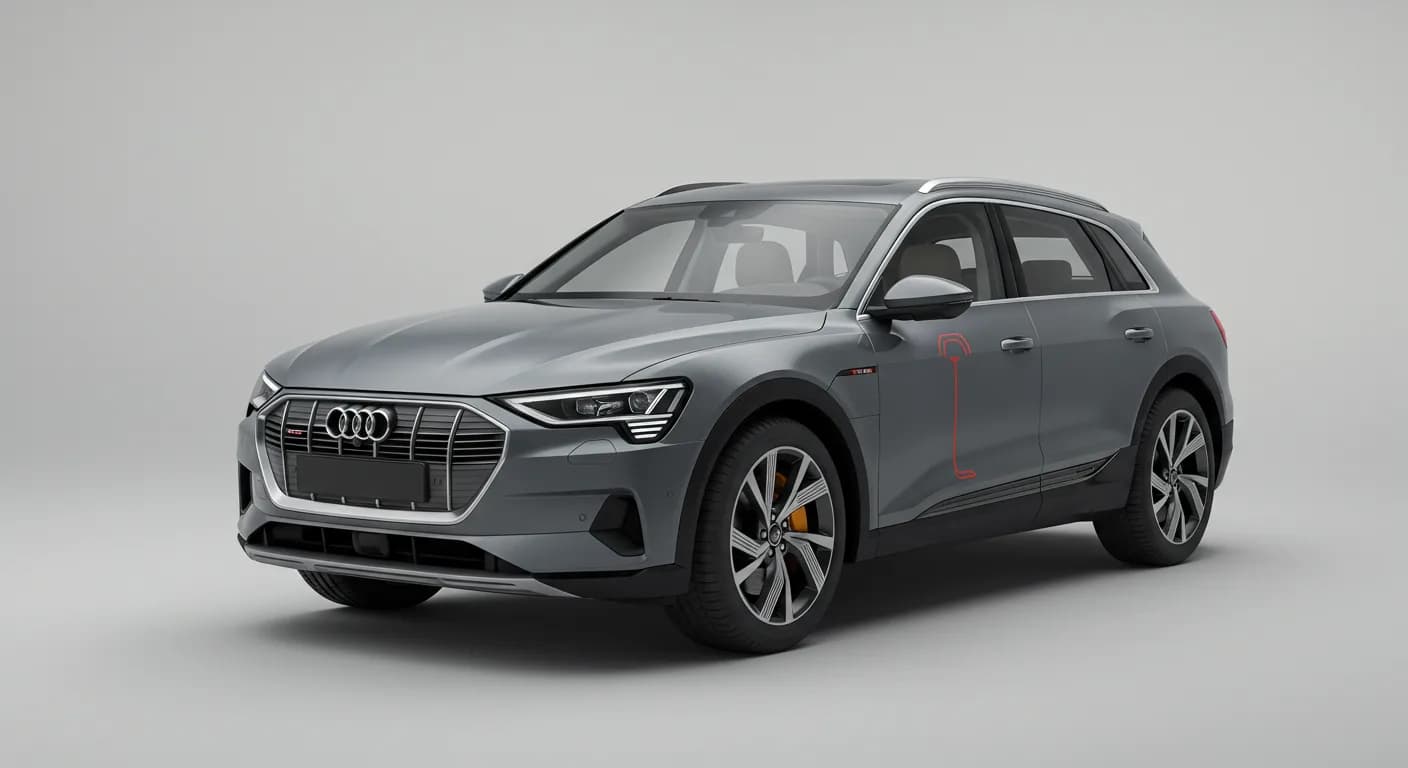
Also applies to
- Audi A3
- 2022–2026
- Audi A4
- 2021–2025
- Audi A4 allroad
- 2021–2025
- Audi A5
- 2021, 2022, 2023, 2024, 2026
- Audi A6
- 2021–2025
- Audi A6 allroad
- 2021–2026
- Audi A7
- 2021–2025
- Audi A7 e
- 2021–2022
- Audi A8 L e
- 2021
- Audi e-tron
- 2021, 2023
- Audi e-tron GT
- 2022–2026
- Audi e-tron Sportback
- 2021–2022
- Audi Q3
- 2021–2026
- Audi Q5
- 2021–2026
- Audi Q5 e
- 2021, 2023, 2024, 2025
- Audi Q7
- 2021–2026
- Audi Q8
- 2021–2026
- Audi R8
- 2021–2023
- Audi RS 3
- 2022–2024
- Audi RS 5
- 2021–2024
- Audi RS 6 Avant
- 2021–2026
- Audi RS 7
- 2021–2026
- Audi RS e-tron GT
- 2022, 2023, 2024, 2026
- Audi RS Q8
- 2021–2026
- Audi S e-tron GT
- 2026
- Audi S3
- 2022–2026
- Audi S4
- 2021–2025
- Audi S5
- 2021, 2022, 2023, 2024, 2026
- Audi S6
- 2021–2025
- Audi S7
- 2021–2025
- Audi S8
- 2021–2026
- Audi SQ5
- 2021–2026
- Audi SQ7
- 2021–2026
- Audi SQ8
- 2021–2026
- Audi TT
- 2021–2023
- Audi TT RS
- 2021–2022
- Audi TTS
- 2021–2023
▸ Show 31 more▾ Show fewer
Audi has identified various complaints regarding connectivity and Apple CarPlay with Apple iOS devices in vehicles from model years 2004 to 2026. This Technical Service Bulletin (TSB 2071185/2) outlines common symptoms and provides troubleshooting steps for technicians and owners.
The issues primarily stem from compatibility problems with the Apple device's operating system or incorrect settings on the phone, affecting various functions like phone operation, media playback, and address book synchronization.
Symptoms
Owners may experience a range of issues related to their Apple iOS devices when connected to their Audi vehicle's infotainment system. These include:
- Telephone operation: General functionality problems.
- Media playback: Issues with playing media, including iPod/iPhone audio sources, MP3 tracks, or selecting media playback, often resulting in "no function" or "functionality stopped" messages.
- Connectivity: Communication interruptions when trying to connect a media player via a connector.
- Operation sequence: Incorrect operation sequence for audio sources.
- Charging: Inability to charge the media player battery.
- Core functions: Impairments with phone calls, address book access, Bluetooth connection, Bluetooth audio playback, Audi Music Interface media playback, and Audi Smartphone Integration (Apple CarPlay).
Diagnosis / Trigger Conditions
Workshop findings indicate that these complaints are often linked to customers using Apple iOS devices, such as iPhones or iPads. The technical background suggests that compatibility issues may be caused by the operating system of the Apple device itself or incorrect settings on the phone.
Specifically, known issues exist with Bluetooth and Apple CarPlay connections when using iOS versions older than 16.5. Addressing these software and setting-related factors is crucial for resolving the Audi e-tron CarPlay connectivity problems.
Repair Procedure Summary
To resolve these connectivity issues, technicians and owners should follow a series of troubleshooting steps focusing on the Apple iOS device and its connection to the Audi MMI system. These steps are designed to address software glitches, incorrect settings, and re-establish proper communication.
- Close Active Apps: Ensure all active applications on the Apple device are closed. For devices with a home button, click the home button and swipe up on open apps. For devices without a home button, swipe up from the bottom of the screen and swipe up on open apps.
- Reconnect USB Cable: Disconnect the USB cable from the mobile device and then reconnect it to the vehicle.
- Reset Phone to Factory Settings: If necessary, reset the phone to factory settings. Refer to online resources for specific instructions as methods vary by Apple device.
- Check/Reinstall Apps: If the complaint is app-related, check for an updated version in the app store. Reinstalling the app may resolve the issue if no update is available.
- Re-synchronize Apple Music: Re-synchronize the phone with Apple Music.
- Delete and Reconnect Device: Delete the mobile device from the vehicle's MMI and delete the vehicle from the mobile device's Bluetooth/Wi-Fi settings. Then, reconnect them, confirming all pairing prompts.
- Remove Covers/Cases: Remove any covers or protective cases from the mobile device that might interfere with connectivity.
- Smart Watch Interference: Ask the customer if they use a smart watch. If the complaint occurs when the watch is connected, disconnect the watch.
- Bluetooth Headset Interference: If a Bluetooth headset is kept in the vehicle and connected to the phone, disconnect the headset's Bluetooth connection while in the vehicle. The hands-free profile for the vehicle and headset are the same, which can confuse the phone.
- Address Book Display: If the address book is not showing, inform the customer that only locally stored contacts are displayed. To show Exchange or other contacts, link the corresponding accounts via "Settings > Contacts > Accounts > Add Account".
- Outlook Contacts Issue: If contacts exported from Outlook are not displayed, refer to TSB 2071056.
- Address Book Download Check: If the address book cannot be downloaded, check the customer's device settings: "Settings ==> Bluetooth ==> Audi MMI XXXX" (last 4 characters of VIN) ==> "info symbol". Ensure synchronization is switched on (green slider) and check boxes for favorites, call history, and all contacts.
- Unlocked iPhone for Address Book: The address book will not transmit if the iPhone is not correctly unlocked (PIN required). The PIN must be entered if the phone was turned off or reset.
- Automatic Bluetooth Disconnection: If Bluetooth disconnects automatically during the bus cycle, resetting the mobile device (as described in step 3) may resolve it.
- iPhone Visibility for Bluetooth Search: For the iPhone to be recognized during a Bluetooth search, it must be visible. This means the Bluetooth menu on the iPhone must be open.
These comprehensive steps aim to resolve various Audi e-tron CarPlay connectivity issues by addressing both device and vehicle settings.
Important Warnings
Owners should be aware that this concern is attributed to a third-party system (Apple iOS devices) and is not covered by any Audi Warranty. This means any costs associated with diagnosing or resolving these issues at a dealership may be the owner's responsibility.
Owner Action
If you are experiencing connectivity issues or problems with Apple CarPlay in your 2004-2026 Audi, first try updating your iPhone or iPod to iOS 16.5 or higher. Then, re-pair your device with the MMI system by deleting the MMI from your phone's Bluetooth and Wi-Fi settings, and deleting your phone from the MMI's connected devices list, then re-pairing them. If the problem persists, you may need to visit an authorized Audi service center for further diagnosis and troubleshooting based on the steps outlined in this TSB.
NHTSA ID: 11016522
Frequently Asked Questions
- What are the common Apple CarPlay and connectivity issues in Audi vehicles?
- Owners frequently report problems with phone operation, media playback (including iPod/iPhone sources), Bluetooth connection, and address book synchronization. These can manifest as 'no function' messages or communication interruptions.
- Does my Audi's warranty cover these connectivity problems?
- No, according to TSB 2071185/2, these issues are considered to be caused by a third-party system (Apple iOS devices) and are not covered by any Audi Warranty. Owners may be responsible for diagnostic and repair costs.
- What should I do if my Audi's address book isn't showing my contacts?
- First, ensure only locally stored contacts are being displayed. If you use Exchange or other accounts, link them via 'Settings > Contacts > Accounts > Add Account' on your iPhone. Also, check your iPhone's Bluetooth settings for the Audi MMI and ensure synchronization is turned on.
- How can I fix my Audi e-tron CarPlay connectivity issues?
- Begin by updating your Apple device to iOS 16.5 or higher. Then, delete your phone from the Audi MMI's connected devices list and delete the Audi MMI from your phone's Bluetooth and Wi-Fi settings. Re-pair the devices. If the problem persists, consult an Audi service center.
Related Articles
2022 Audi e-tron Electrical System Problems: Complaints & TSBs
Owners of the 2022 Audi e-tron frequently report significant electrical system malfunctions, ranging from sudden power loss and charging hazards to software crashes. Braking issues and unexpected automatic emergency braking are also common concerns, alongside numerous technical service bulletins…
2022-2026 Audi Guided Fault Finding Reporting Obligation
Audi has issued Technical Service Bulletin TPI 2033392, also known as Transaction No. 2081531/1, regarding a reporting obligation for technicians when Guided Fault Finding produces an unexpected result. This TSB outlines the process for contacting Audi Product Support for diagnostic assistance.
2022-2026 Audi Infotainment System Complaints
Audi has released Technical Service Bulletin (TSB) 2081405/1 to address various customer complaints regarding infotainment systems in 2022-2026 Audi vehicles. This TSB helps technicians diagnose issues often caused by external media or mobile devices, rather than vehicle technology.
2018-2026 Audi Models Cracking Noise TSB 2061464/11
Audi Technical Service Bulletin 2061464/11 describes a cracking noise from the front or rear axle when changing direction in various 2018-2026 Audi models. The issue is due to stub axle movement and is resolved by bonding the stub axle to the wheel bearing with locking fluid.
2022-2026 Audi Parking Aid False Warnings TSB 2024323/13
Audi has released Technical Service Bulletin 2024323/13 to address customer complaints of false parking aid warnings. This bulletin details various environmental and vehicle-specific conditions that can cause the parking aid system to issue alerts even when no obstacles are present. It provides…
Leave a comment
Comments are moderated and may take a moment to appear. Only your first name and the initial of your last name are shown publicly.
Comments
Be the first to comment.