2021-2024 Audi Connect GEN3: SOS LED Not Green, MMI Issues
This Technical Service Bulletin (TSB 2061028/5) addresses issues with Audi connect GEN3 services, including a non-green SOS LED, non-functional Roadside button, and missing MMI features in 2021-2024 Audi models. Learn about the activation process and troubleshooting steps.
 Ahmet Topcu2021 Audi e-tron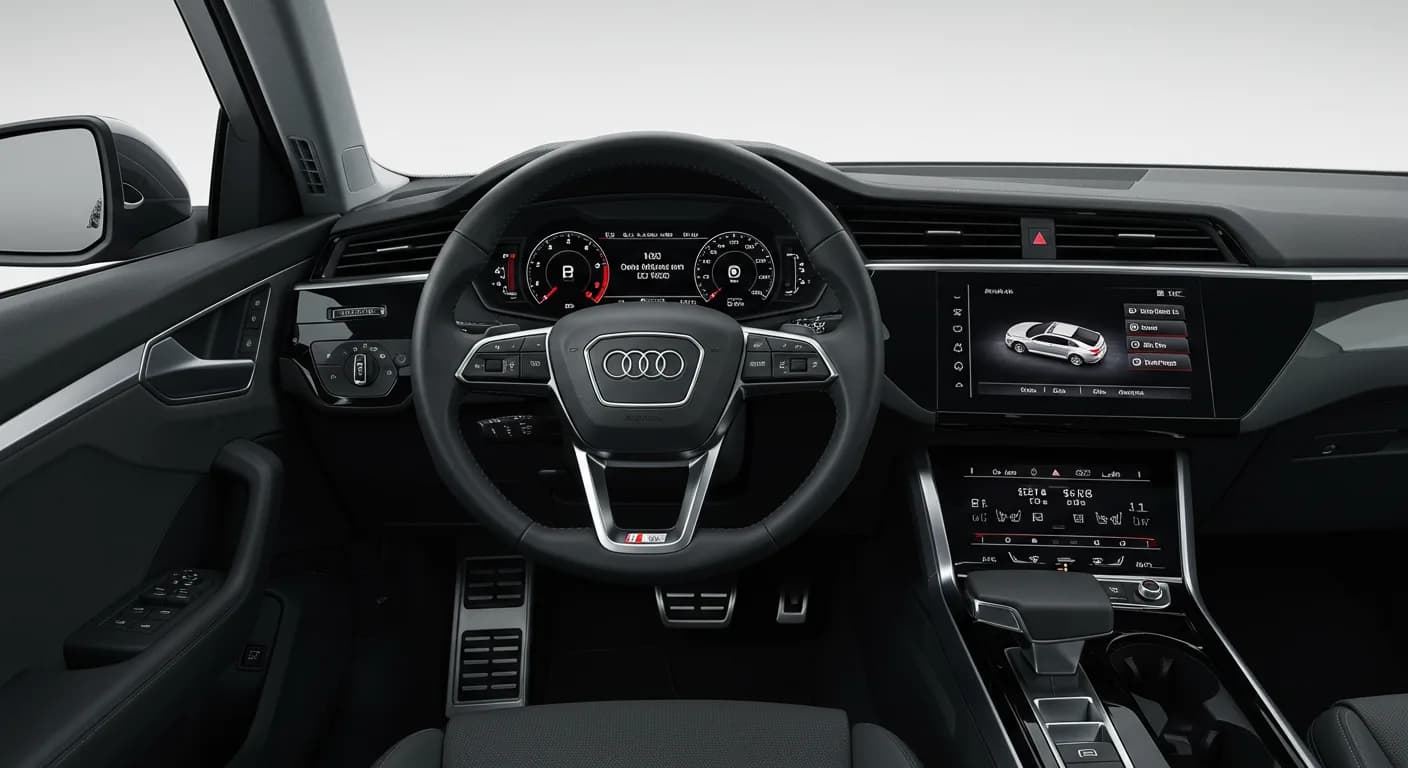
Also applies to
- Audi A3
- 2022–2024
- Audi A4
- 2021–2024
- Audi A4 allroad
- 2021–2024
- Audi A5
- 2021–2024
- Audi A6
- 2021–2024
- Audi A6 allroad
- 2021–2024
- Audi A7
- 2021–2024
- Audi A7 e
- 2021–2022
- Audi A8 L e
- 2021
- Audi e-tron
- 2022–2023
- Audi e-tron GT
- 2022–2024
- Audi Q3
- 2021–2024
- Audi Q5
- 2021–2024
- Audi Q5 e
- 2024
- Audi Q7
- 2021–2024
- Audi Q8
- 2021–2024
- Audi R8
- 2021–2023
- Audi RS 3
- 2022–2024
- Audi RS 5
- 2021–2024
- Audi RS 6 Avant
- 2021–2024
- Audi RS 7
- 2021–2024
- Audi RS e-tron GT
- 2022–2024
- Audi RS Q8
- 2021–2024
- Audi S3
- 2022–2024
- Audi S4
- 2021–2024
- Audi S5
- 2021–2024
- Audi S6
- 2021–2024
- Audi S7
- 2021–2024
- Audi S8
- 2021–2024
- Audi SQ5
- 2021–2024
- Audi SQ7
- 2021–2024
- Audi SQ8
- 2021–2022
- Audi TT
- 2021–2023
- Audi TT RS
- 2021–2022
- Audi TTS
- 2021–2023
▸ Show 29 more▾ Show fewer
Symptoms
Owners of 2021-2024 Audi models equipped with Audi connect GEN3 may experience several issues, often noticed after the Pre-Delivery Inspection (PDI). These symptoms indicate a problem with the Audi connect system's activation and pairing process. The primary concern is when the Audi e-tron SOS LED does not turn green.
Specific symptoms include:
- "Audi connect services do not function."
- "SOS LED is off or flashes red."
- "The Roadside button does not function when pressed."
- "The News and Weather Tiles are missing in the MMI."
- "The navigation satellite map view cannot be activated."
Technical Background
The 3rd Generation Audi connect system (GEN3) utilizes a "white label" SIM card that is not preregistered to any USA-specific mobile carrier at the factory. This differs from the GEN2 system, which had a preregistered AT&T SIM. For GEN3 vehicles, the SIM must undergo a "Registration and Pairing" (R&P) process after the vehicle's ConBox/OCU flight mode is deactivated.
This R&P process typically takes about 20 minutes under ideal conditions but can extend to 1-2 hours, depending on LTE signal strength, GPS reception, and backend system availability. The SOS light will turn green only after the embedded SIM (eSIM) successfully completes the R&P process and fully operates on Verizon's LTE network, which is Audi of America's preferred carrier for GEN3 in the USA.
The R&P process involves several steps:
- Flight Mode Deactivation: The ConBox (telephone module and SIM) and OCU flight modes are deactivated during PDI or after driving at least 25 miles.
- Initial Connection: The SIM attempts to connect to Cubic in Europe using a roaming data connection via AT&T or T-Mobile (Vodafone Roaming). Poor local signal can delay this step.
- eSIM Profile Download: After registering with Cubic, the device receives an eSIM profile for Verizon.
- Verizon Registration: The device disconnects from AT&T/T-Mobile and attempts to register on Verizon's LTE network. This step may require the vehicle to be in an area with strong Verizon service and potentially a long sleep cycle (30 minutes or more).
- Network Confirmation: The Verizon profile is successfully downloaded, and the device informs Cubic it will always use the Verizon network.
- Wi-Fi and Dealer Demo Mode Activation: Cubic activates the Wi-Fi profile and dealer demo mode in the Audi connect backend.
- License Download: The MMI and Gateway modules download Audi connect licenses for PRIME and CARE, provided the car has received GPS reception. At this point, the Audi e-tron SOS LED should turn green.
Repair Procedure Summary
If the SOS light does not turn green after the initial PDI test drive or after a long sleep cycle, follow these troubleshooting steps:
- Initial Activation Attempt: If the SOS light is still not green, allow the vehicle to sit outside with the ignition on for 20-30 minutes with the engine running.
- Long Sleep Cycle: Perform a long sleep cycle of 5 minutes or more. To do this, disconnect any ODIS testers, roll up windows, close the hood and trunk, and lock the doors. This helps the car enter sleep mode faster.
- Recheck Status: Turn the car on and check the status of the SOS light after 5-10 minutes.
- Repeat: If the SOS light is still not green, repeat steps 1-3 a second time.
- Capacitive Discharge: If the SOS light still does not turn green after repeating the steps, perform a capacitive discharge by disconnecting the vehicle's 12V battery from the vehicle electronics for at least 60 seconds.
- Reconnect Battery: After 60 seconds or longer, reconnect the 12V battery and turn on the ignition.
- Check eSIM Profile: Document the eSIM profile currently in use by the ConBox (or OCU for A3/Q3/Q4 models) using ODIS. Look for "Checking IMSI number" under "Guided Functions" for diagnostic address 0075.
- A "Vodafone Bootstrap (Factory) Profile" will have a 20-digit IMSI starting with "8988".
- A "Verizon Operation (Local) Profile" will have a 20-digit IMSI starting with "8914".
- Take a screenshot or write down this value.
- Contact Support: If the SOS light still does not turn green, open a web ticket with the Audi Digital Business Support Team at https://audi.zendesk.com/. Provide the IMSI number in your ticket.
Important Warnings
Audi advises against unnecessary component replacement during this process. Specifically, "It is no longer required to remove the backup battery from the ConBox as long as the capacitive discharge is performed for at least 60 seconds while there is no emergency or roadside call active in the vehicle. Removing the backup battery can damage the control unit due to electrostatic discharge." This prevents potential damage and ensures the correct troubleshooting procedure is followed.
What Owners Should Know
This Technical Service Bulletin (TSB 2061028/5, superseding TSB 91 22-03) is primarily informational for dealers and relates to the Pre-Delivery Inspection (PDI) process. It is not a recall and is not covered under typical Audi Warranty as a repair, but rather as a necessary part of preparing the vehicle for delivery. If you are experiencing issues with your Audi e-tron SOS LED or Audi connect services, contact your authorized Audi dealership. They are equipped to perform these activation and troubleshooting steps. Note that the web ticketing system for support is for dealer use only and requires a dealer email address for registration.
Source: NHTSA ID 10241455
Frequently Asked Questions
- What does it mean if my Audi connect SOS LED is not green?
- If your Audi connect SOS LED is not green, it indicates that the Audi connect GEN3 system's Registration and Pairing (R&P) process has not been successfully completed. This can lead to a lack of Audi connect services and other MMI issues.
- Why are my Audi connect services not working after vehicle delivery?
- The 3rd Generation Audi connect system (GEN3) uses an eSIM that requires a complex activation process after the vehicle's Pre-Delivery Inspection (PDI). If this process is not fully completed, services like navigation, news, weather, and the roadside button may not function.
- What are the IMSI numbers mentioned in the TSB for Audi connect GEN3?
- The Technical Service Bulletin (TSB 2061028/5) mentions two key IMSI numbers: the "Vodafone Bootstrap (Factory) Profile" starts with "8988", and the "Verizon Operation (Local) Profile" starts with "8914". These are used by technicians to identify the eSIM's current status.
- Should I try to fix the Audi connect SOS LED issue myself?
- No, this issue requires specific diagnostic tools and knowledge of the Audi connect GEN3 activation process, as detailed in TSB 2061028/5. It is best to contact an authorized Audi dealership to have them perform the necessary troubleshooting and activation steps.
Related Articles
2021 Audi e-tron Electrical Malfunction and Power Loss
A 2021 Audi e-tron owner reported a severe 'Electrical Malfunction' resulting in complete loss of power on the highway. The issue has persisted despite dealer attempts to fix it over five months, posing significant safety risks.
2021-2026 Audi UTR Troubleshooting & FAQs TSB 2081409/1
This Audi Technical Service Bulletin (TSB 2081409/1) provides comprehensive answers to frequently asked questions and troubleshooting steps for the Audi Universal Traffic Recorder (UTR) accessory, covering topics like SD card compatibility, video playback, Wi-Fi issues, and more.
2021-2025 Audi Emergency Call System Fault TSB
Audi has released Technical Service Bulletin 2059528/18 to address an "Emergency call function: malfunction! Function unavailable. Please contact service" warning, often accompanied by a red SOS LED and DTC B200000. This issue affects various 2021-2025 Audi models and is due to a software problem…
2021-2026 Audi Adaptive Light System Fault C12B3FA TSB
Audi has released Technical Service Bulletin 2054202/7 to address an intermittent 'Audi adaptive light: system fault' message and DTC C12B3FA in various 2021-2026 models. This TSB outlines diagnosis and resolution for driver assistance system malfunctions.
2021-2026 Audi Parking Aid False Warnings TSB 2024323/12
This Technical Service Bulletin (TSB 2024323/12) details diagnostic and repair procedures for 2021-2026 Audi vehicles experiencing false parking aid warnings. Learn about environmental factors, sensor checks, and proper installation to resolve issues like 'Parking aid does not work / warning is…
Leave a comment
Comments are moderated and may take a moment to appear. Only your first name and the initial of your last name are shown publicly.
Comments
Be the first to comment.