2020-2024 Audi CarPlay Connectivity Issues TSB
Audi has released TSB 2071185/1 detailing various connectivity complaints with CarPlay and Bluetooth when using Apple iOS devices in 2020-2024 models. Learn how to troubleshoot these common issues.
 Sarah Mitchell2023 Audi e-tron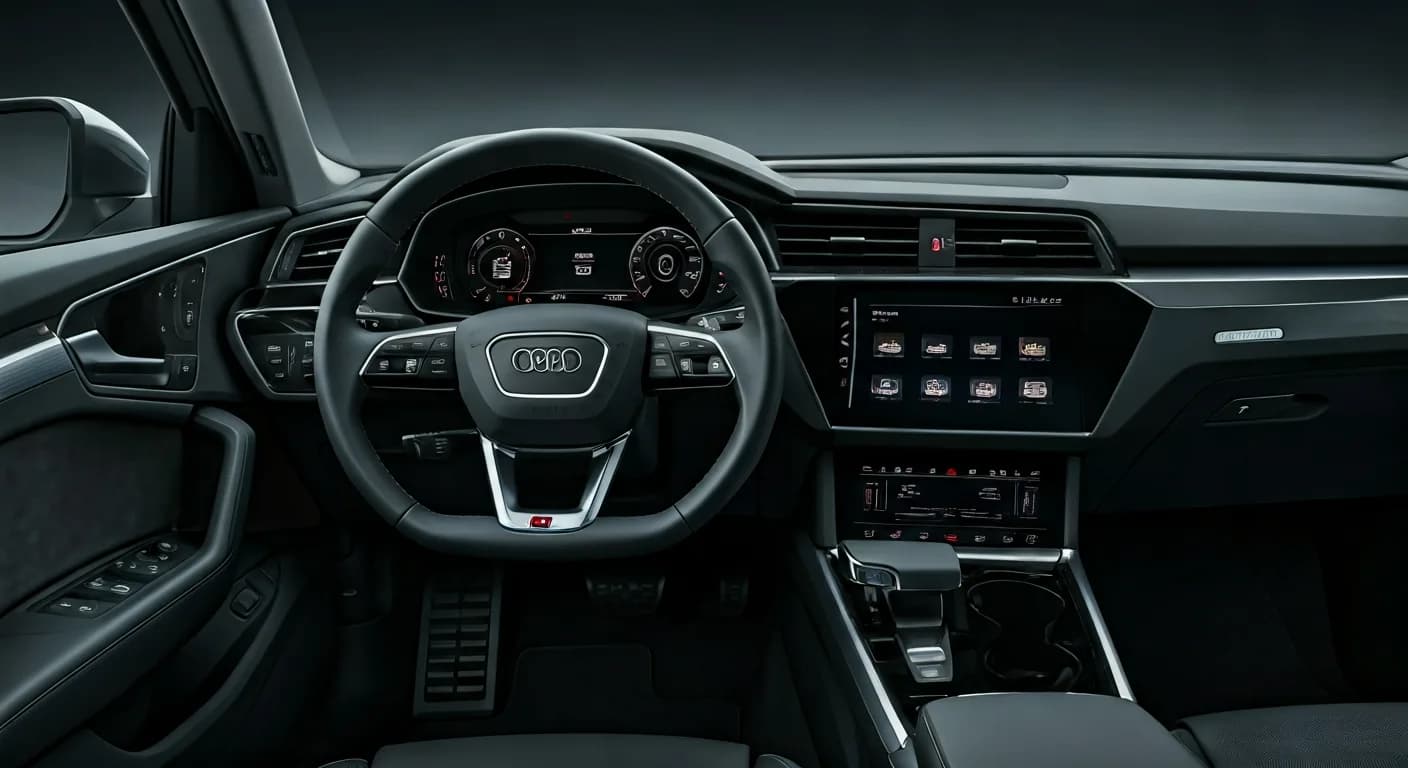
Şu araçlar için de geçerli
- Audi A3
- 2022–2024
- Audi A4
- 2021–2024
- Audi A4 allroad
- 2021–2024
- Audi A5
- 2021–2024
- Audi A6
- 2021–2024
- Audi A6 allroad
- 2021–2023
- Audi A7
- 2021–2024
- Audi A7 e
- 2021–2022
- Audi A8 L e
- 2021
- Audi e-tron
- 2021–2022
- Audi e-tron GT
- 2022–2024
- Audi Q3
- 2021–2024
- Audi Q5
- 2021–2024
- Audi Q5 e
- 2024
- Audi Q7
- 2021–2024
- Audi Q8
- 2021–2024
- Audi R8
- 2021–2023
- Audi RS 3
- 2022–2023
- Audi RS 5
- 2021–2024
- Audi RS 6 Avant
- 2021–2024
- Audi RS 7
- 2021–2024
- Audi RS e-tron GT
- 2022–2024
- Audi RS Q8
- 2021–2024
- Audi S3
- 2022–2024
- Audi S4
- 2021–2024
- Audi S5
- 2021–2024
- Audi S6
- 2021–2024
- Audi S7
- 2021–2024
- Audi S8
- 2021–2024
- Audi SQ5
- 2021–2024
- Audi SQ7
- 2021–2024
- Audi SQ8
- 2021–2024
- Audi TT
- 2021–2023
- Audi TT RS
- 2021–2022
- Audi TTS
- 2021–2023
▸ 29 tane daha göster▾ Daha az göster
Owners of 2020-2024 Audi vehicles may experience various Audi CarPlay connectivity issues and problems with Bluetooth connections when using Apple iOS devices. Technical Service Bulletin (TSB) 2071185/1, issued on August 9, 2023, provides comprehensive guidance for diagnosing and resolving these common complaints.
Symptoms of Connectivity Problems
Customers may report several function impairments related to their Apple iOS devices interacting with their Audi's infotainment system. These include:
- Issues with phone call functionality.
- Problems accessing or syncing the address book.
- Unstable or dropped Bluetooth connections.
- Difficulties with Bluetooth audio playback.
- Media playback failures when using the Audi Music Interface.
- Malfunctions with Audi Smartphone Integration (Apple CarPlay).
These symptoms are typically observed when the customer is using an Apple iOS device, such as an iPhone or iPad.
Important Warnings for Owners
Audi has identified specific conditions that contribute to these Audi CarPlay connectivity issues. Owners should be aware of the following:
- iOS Version Requirement: "There are currently known issues with the Bluetooth and Apple CarPlay connection in conjunction with iOS versions older than 16.5. Please ask the customer to always keep their iOS version up to date. The iOS version should be 16.5 or newer in order to ensure the best experience with our vehicle's features."
- Re-pairing Recommendation: "We also recommend re-pairing the smartphone with the MMI. This means deleting the MMI from the Bluetooth and Wi-Fi connections on the smartphone, and also deleting the smartphone from the connected devices on the MMI."
Technical Background
The root cause of these connectivity problems often lies in compatibility issues with the operating system of the Apple device. Incorrect settings on the iPhone or iPad can also contribute to the malfunctions. Newer firmware versions on mobile devices should ideally resolve some functions, but new impairments can still arise.
Troubleshooting Steps for Audi CarPlay Connectivity Issues
Audi outlines a series of steps that can help resolve the various Audi CarPlay connectivity issues and Bluetooth problems:
- Close all active apps: On the iOS device, close all open applications. For devices with a home button, double-click and swipe apps upwards. For devices without a home button, swipe up from the bottom and swipe apps upwards.
- Disconnect and reconnect USB cable: If using a wired connection, unplug the USB cable from the mobile device and then reconnect it to the vehicle.
- Reset phone to factory settings: Perform a factory reset on the Apple device. Instructions vary by device model and can be found online.
- Update/Reinstall problematic apps: If an app is causing the complaint, check for an updated version in the app store. If no update is available, reinstalling the app might resolve the issue.
- Re-synchronize with Apple Music: Re-sync your phone with Apple Music.
- Delete and reconnect device: Remove the mobile device from the vehicle's connected devices list and also delete the vehicle from the mobile device's Bluetooth settings. Then, re-pair them, confirming all pairing prompts.
- Remove covers or protective cases: Ensure no phone covers or cases are interfering with the connection.
- Check for smart watch interference: Determine if a smart watch is connected and if the problem persists when the watch is not connected to the phone.
- Check for Bluetooth headset interference: If a Bluetooth headset is used in the vehicle, disconnect its Bluetooth connection. The phone may confuse the headset's hands-free profile with the vehicle's.
- Address book not shown: Inform the customer that only contacts stored locally on the device are displayed. For Exchange or other contacts, users must link accounts via "Settings > Contacts > Accounts > Add Account" on their iOS device.
- Outlook contacts issue: Due to a change in the Microsoft Outlook app, contacts exported from Outlook cannot be displayed on the MMI. Refer to TSB 2071056 for more details on this specific issue.
- Address book download settings: If the address book cannot be downloaded, verify the following on the customer's device: Navigate to "Settings ==> Bluetooth ==> Audi MMI XXXX" (where XXXX is the last 4 characters of the VIN) ==> info symbol. Ensure synchronization is switched on and that boxes for favorites, call history, and all contacts are checked.
- iPhone unlock requirement: The address book will not transmit if the iPhone is not correctly unlocked (e.g., PIN required). The PIN must be entered if the phone was completely turned off or reset.
- Automatic Bluetooth disconnection: If the Bluetooth connection automatically disconnects during the bus cycle, resetting the mobile device (as described in point 3) can resolve this.
- iPhone not visible during Bluetooth search: For the iPhone to be recognized by the vehicle during a Bluetooth search, the iPhone's Bluetooth menu must be open to make it visible.
Warranty Information
It is important for owners to note that this concern, being related to a third-party system (Apple iOS devices), is not covered by any Audi Warranty.
Related Bulletins
This TSB references another important bulletin:
- TSB 2071056: This bulletin, titled "91 MIB3: Outlook contacts are not accessible via the MMI when using Apple devices," provides specific information regarding issues with Outlook contacts not displaying correctly in the MMI.
Source: NHTSA ID: 10241454
Frequently Asked Questions
- What causes Audi CarPlay connectivity issues in 2020-2024 models?
- Audi CarPlay connectivity issues are often caused by compatibility problems with the Apple iOS device's operating system or incorrect settings on the phone. Older iOS versions, specifically those older than 16.5, are a known contributor to these problems.
- What iOS version is recommended for optimal Audi CarPlay and Bluetooth performance?
- Audi recommends that your Apple iOS device should be running iOS version 16.5 or newer to ensure the best experience with your vehicle's features and to avoid common connectivity issues addressed in TSB 2071185/1.
- Why are my Outlook contacts not showing in my Audi MMI?
- If your Outlook contacts are not accessible via the MMI when using Apple devices, it's a known issue detailed in TSB 2071056. This is often due to changes in the Microsoft Outlook app, and contacts exported from Outlook may not display correctly.
- Is the repair for Audi CarPlay connectivity issues covered under warranty?
- No, issues related to Audi CarPlay and Bluetooth connectivity with Apple iOS devices are generally not covered under Audi's warranty. This is because the problem is considered to be due to a third-party system (the Apple device itself).
Related Articles
2023 Audi e-tron Problems: Recalls, Complaints & TSBs
The 2023 Audi e-tron has faced several significant safety concerns, including recalls for potential charging cable overheating and brake pedal detachment. Owners have also reported serious issues like sudden unintended acceleration and electrical system malfunctions. This profile details these…
2023 Audi e-tron Brake Pedal Recall
Audi has issued a recall (NHTSA ID: 26V240000, Audi Recall 46P7) for certain 2019-2024 E-Tron and 2020-2024 E-Tron Sportback vehicles, including the 2023 Audi e-tron. The recall addresses a potential issue where the brake pedal may detach from the brake booster, leading to a loss of brake function.
2015-2027 Audi Noise Diagnosis with Frequency Analysis App TSB
Audi has released Technical Service Bulletin 2051095/11 detailing the Audi Frequency Analysis app. This app helps technicians diagnose noise complaints more precisely across 2015-2027 Audi models. Learn how the app works, where to download it, and its features for effective vehicle noise analysis.
2023 Audi e-tron AC/DC Charging Not Possible TSB
This manufacturer communication (NHTSA ID 11031035) provides critical information for 2023 Audi e-tron owners facing issues with AC/DC charging. It specifically highlights problems linked to software version 00C6: 0093/3119, which can prevent the vehicle from charging.
2023-2025 Audi Rear Seat Reminder Message TSB 2074943/2
Audi Technical Service Bulletin 2074943/2 explains the instrument cluster message 'Please check rear seats and be aware of door safelock' in various 2023-2025 Audi models. This informational TSB details the rear occupant detection system designed to prevent children and pets from being left in…
Yorum bırakın
Yorumlar moderasyondan geçer ve görünmesi biraz zaman alabilir. Sadece adınız ve soyadınızın baş harfi herkese açık olarak gösterilir.
Yorumlar
İlk yorum sizden olsun.