2025 Audi A5/A6/Q5/Q6 Software Update Errors TSB 2079692/1
This Technical Service Bulletin (TSB 2079692/1) provides troubleshooting steps for various error messages and conditions that may occur during the combined software update 03.10.00/C (28.13.01) KD2 on 2025 Audi A5, A6, Q5, and Q6 models. It addresses common ODIS tester complaints and offers…
 Marcus Weber2025 Audi A5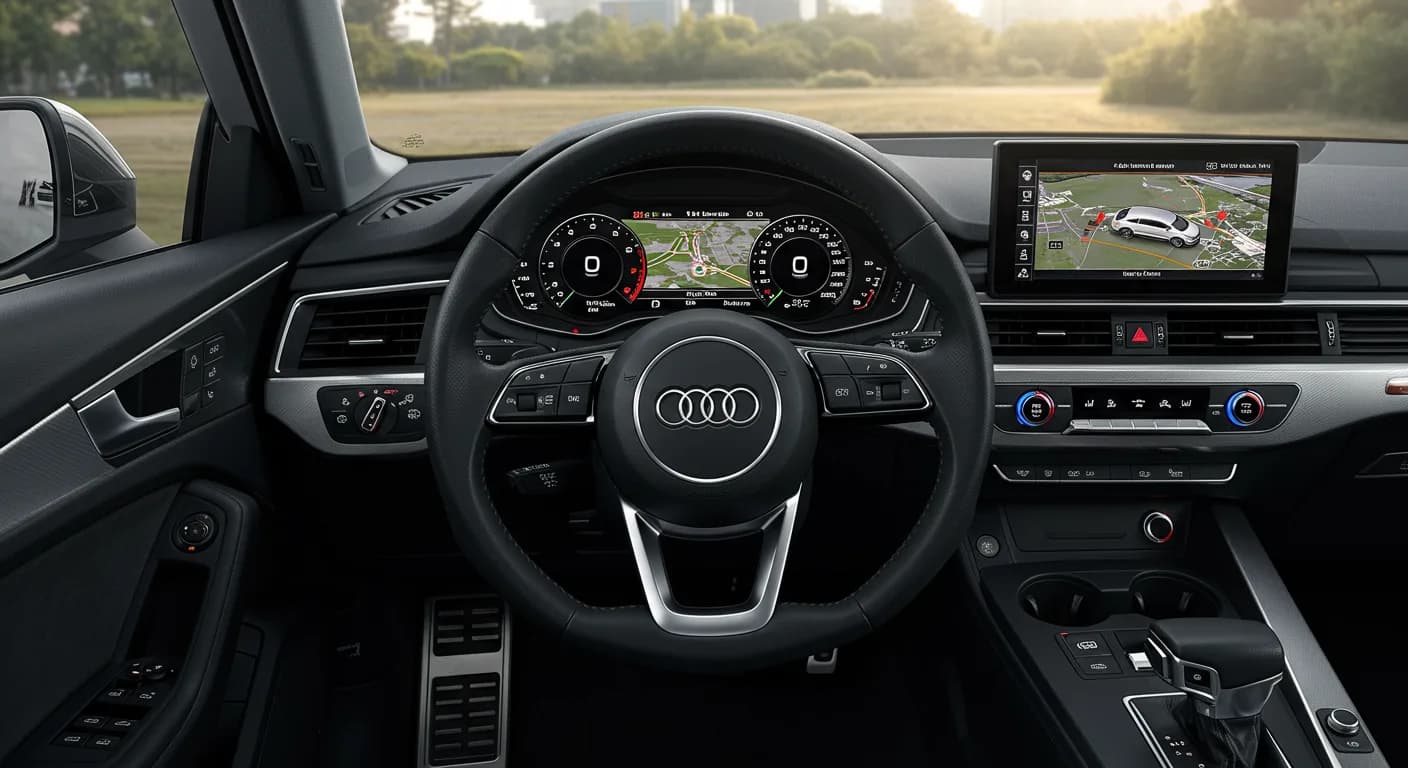
S'applique également à
- Audi Q5
- 2025
- Audi S5
- 2025
- Audi SQ5
- 2025
Audi has released Technical Service Bulletin (TSB) 2079692/1 to assist technicians in resolving various issues that may arise during the combined software update 03.10.00/C (28.13.01) KD2. This document is crucial for ensuring a smooth and successful software installation process for several 2025 Audi models, including the A5 Avant, Q5, A5 Limousine, Q6 e-tron Sportback, A6 Avant, A6 e-tron Sportback, and Q6 e-tron. The TSB outlines common complaints encountered when using the ODIS tester and provides detailed solutions to address these challenges.
The software update process, particularly for complex vehicle IT systems and control modules, can sometimes present unexpected difficulties. This TSB acts as a comprehensive guide, detailing specific error messages and conditions that might interrupt the update, along with the corresponding corrective actions. Understanding these potential issues and their remedies is essential for both service personnel and owners seeking to understand the diagnostic process for 2025 Audi A5 software update errors.
Symptoms and Error Messages
Owners or technicians performing the software update on affected 2025 Audi models might encounter several distinct symptoms and error messages. These issues are typically displayed on the ODIS tester or as messages within the vehicle's instrument cluster, indicating a problem with the update procedure or a resulting malfunction.
Common complaints and messages include:
ODIS Tester Message: "0x0009 Control module in after-run"
- Complaint: The ODIS tester displays the message:
"Programming conditions not met". This indicates that the control module did not enter the correct state for programming, preventing the update from proceeding. - Solution: Erase the event memory and perform the update again immediately without switching the ignition off and on. This often resolves the temporary condition.
- Complaint: The ODIS tester displays the message:
Instrument Cluster Message: "Adaptive cruise assist currently unavailable"
- Complaint: After the software update has been completed, this specific message appears in the vehicle's instrument cluster, indicating a potential system initialization issue.
- Solution: All vehicle doors must be opened and closed once. This action helps to reset the system and clear the message, allowing the adaptive cruise assist to become available.
ODIS Tester Message: "Diagnostic address(es) with general error"
- Complaint: It may not be possible to reach the diagnostic addresses listed in the vehicle. This can manifest as one or more control units logging on incorrectly or being unreachable, especially when an SVM code is entered for the first time. The ODIS tester might show a specific control unit name, such as
"DA - control unit name". - Solution: Check communication with the diagnostic address. If necessary, switch the ignition off and on again or wait for a bus sleep cycle. If the issue persists, attempt to restore communication capability via GFF (Guided Fault Finding). If this still fails, a DISS ticket should be opened, specifying the code on the affected control unit for further support.
- Complaint: It may not be possible to reach the diagnostic addresses listed in the vehicle. This can manifest as one or more control units logging on incorrectly or being unreachable, especially when an SVM code is entered for the first time. The ODIS tester might show a specific control unit name, such as
ODIS Tester Event Codes: 8060 or 8096
- Complaint: These event codes indicate possible lost configuration after a software update or control units that can no longer be reached due to a software update. This suggests a deeper communication or configuration problem.
- Solution: Perform a bus sleep cycle, which involves leaving the vehicle undisturbed for at least 15 minutes. After the bus sleep cycle, repeat the update procedure using the SVM code.
ODIS Tester Message: "9024" or "ODS1008E" - "Connection Negative response from server"
- Complaint: When the GSB bus times out, the ODIS-S tester makes four attempts to establish the connection, but receives a negative response from the server. This indicates a network or communication breakdown during the update process.
- Solution: Perform the update again. If this is unsuccessful after repeated attempts, contact Audi technical support for further assistance.
ODIS Tester Message: File transmission freezes
- Complaint: The file transmission freezes for longer than 5 minutes, or the ODIS tester displays a message about this for an extended period. This means the data required for the software update cannot be downloaded from the workshop server (EdgeBox), often due to a firewall setting on the workshop tester.
- Solution: Check the firewall settings on the workshop tester (refer to the campaign description for specific guidelines) and configure the firewall in accordance with the ODIS release notes. It is particularly necessary to enable port 8080. If this error occurs for the first time, re-enter the code after checking firewall settings and retry the download.
ODIS Tester Error Codes: 8072, 8076, 8118, 8101, 9999
- Complaint: The ODIS tester indicates that
"The software update stored in the entered SVM code cannot be performed."These error codes signal a general failure in applying the software update from the SVM code. - Solution: A dialogue will be shown on the ODIS tester stating:
"A further attempt can be started subsequently in order to try to update the vehicle to the new version. Please perform the procedure again until the software update is successful..."Follow these instructions and repeat the update process until it is successful.
- Complaint: The ODIS tester indicates that
Repair Procedure Summary
The repair procedure for addressing these 2025 Audi A5 software update errors primarily involves specific troubleshooting steps during or after the software update 03.10.00/C (28.13.01) KD2. Technicians should follow these steps based on the specific error encountered:
- For "Programming conditions not met" (0x0009 Control module in after-run): Erase the event memory and immediately re-attempt the software update without cycling the ignition.
- For "Adaptive cruise assist currently unavailable": Ensure all vehicle doors are opened and closed once after the update is complete.
- For "Diagnostic address(es) with general error" or unreachable control units: Verify communication with the diagnostic address. If needed, cycle the ignition or wait for a bus sleep cycle. If the issue persists, use GFF to restore communication. If GFF fails, open a DISS ticket, specifying the affected control unit's code.
- For event codes 8060 or 8096: Initiate a bus sleep cycle for at least 15 minutes, then retry the update using the SVM code.
- For "Connection Negative response from server" (9024 or ODS1008E): Re-attempt the software update. If the problem continues, contact Audi technical support.
- For file transmission freezing or download issues (EdgeBox/firewall): Review and adjust firewall settings on the workshop tester to ensure compliance with ODIS release notes, specifically enabling port 8080. Then, re-enter the update code and retry.
- For "The software update stored in the entered SVM code cannot be performed." (Error codes 8072, 8076, 8118, 8101, 9999): Follow the ODIS tester's prompt to repeatedly attempt the update until it is successful.
Important Warnings and What Owners Should Know
- Steering Wheel Vibration: It is important to note that vibration of the steering wheel during the flashing procedure is considered a normal occurrence. However, if the steering wheel continues to vibrate after the software update has been successfully completed, technicians should refer to TSB 2076547, titled "48 General information on flashing procedure (vibrating steering wheel)", for further diagnostic and repair guidance.
- Warranty Information: This Technical Service Bulletin (TSB 2079692/1) is intended for informational purposes only and is not applicable to any Audi Warranty claims. Owners should be aware that this document provides troubleshooting for technicians and does not imply warranty coverage for the issues described.
- Software Update Attempts: If the ODIS tester displays a message indicating that the software update cannot be performed, it will prompt for repeated attempts. Owners should be aware that multiple attempts may be necessary to successfully update the vehicle to the new software version.
Owner Action
If you own a 2025 Audi A5 Avant, Q5, A5 Limousine, Q6 e-tron Sportback, A6 Avant, A6 e-tron Sportback, or Q6 e-tron and are experiencing issues related to a software update, or if your vehicle's instrument cluster displays messages such as "Adaptive cruise assist currently unavailable", it is recommended to contact an authorized Audi service center. Technicians at these centers are equipped with the ODIS tester and the knowledge from TSB 2079692/1 to diagnose and resolve these software-related concerns.
Source: NHTSA ID: 10250000
Frequently Asked Questions
- What is TSB 2079692/1 about?
- TSB 2079692/1 is an aid document from Audi that provides troubleshooting steps and solutions for various errors and conditions that may occur during the combined software update 03.10.00/C (28.13.01) KD2 on certain 2025 Audi models, including the A5, A6, Q5, and Q6.
- What does the message 'Adaptive cruise assist currently unavailable' mean after a software update?
- If you see the message 'Adaptive cruise assist currently unavailable' in your instrument cluster after a software update, the TSB indicates that all vehicle doors must be opened and closed once. This action helps to reset the system and clear the message.
- What should I do if the ODIS tester shows error codes like 8060 or 8096?
- Error codes 8060 or 8096, often related to lost configuration or unreachable control units, require performing a bus sleep cycle for at least 15 minutes. After the bus sleep cycle, the software update procedure should be repeated using the SVM code.
- My software update is freezing or cannot download data. What's the issue?
- If the file transmission freezes or data cannot be downloaded from the workshop server (EdgeBox), it's often due to firewall settings. The TSB advises checking and configuring the firewall in accordance with ODIS release notes, specifically ensuring that port 8080 is enabled.
- Is steering wheel vibration during a software flash normal?
- The TSB states that vibration of the steering wheel during the flashing procedure is a normal occurrence. However, if the steering wheel continues to vibrate after the update is completed, you should refer to TSB 2076547 for further guidance.
Related Articles
2024-2025 Audi On-Car Analysis: Check Engine Light & DTCs
Audi's March 2025 On-Car Analysis list provides guidance for technicians on several issues affecting 2024-2025 Audi A3, Q5, and A5 models. These include check engine lights, vehicle sound malfunction warnings, and specific diagnostic trouble codes (DTCs) such as POE5E00 and P219500. The document…
2025-2026 Audi A5/Q5 Coolant Pump V188 Blocked P2BC100 TSB
Audi TSB 2080825/2 addresses the 'Coolant pump for charge air cooler, blocked' issue (DTC P2BC100) and 'Drive system: fault' message in 2025-2026 Audi A5 and Q5 models, often after extended stationary periods. It outlines diagnosis and repair steps.
2025 Audi A5/Q5/S5/SQ5: 'Position P Cannot Be Selected'
A Technical Service Bulletin (TSB 2080044/4) has been issued for certain 2025 Audi A5, Q5, S5, and SQ5 vehicles regarding an issue where 'Position P cannot be selected' and the vehicle cannot be locked. This condition is resolved with a software update.
2025 Audi A5/S5/Q5/SQ5 Software Update Flashing Issues
This technical service bulletin (TSB 2079692/5) from Audi addresses various issues encountered during the combined software update 03.10.00/C (28.13.01) KD2 for 2025 Audi A5, S5, Q5, and SQ5 models. It covers diagnostic errors, control module communication problems, and solutions for successful…
2025 Audi A5/Q5/S5/SQ5 Software Update TSB 2079690/8
Audi has released Technical Service Bulletin 2079690/8 for 2025 A5, Q5, S5, and SQ5 models. This TSB details a combined software update (00 Combined software update 03.10.00/C (28.13.01) KD2) that resolves various issues including navigation, connectivity, digital key functionality, and driving…
Leave a comment
Comments are moderated and may take a moment to appear. Only your first name and the initial of your last name are shown publicly.
Comments
Be the first to comment.