2021-2023 Nissan Navigation System Corrupted Map Data TSB
Nissan Technical Service Bulletin NTB23-004 addresses a common issue where the navigation system displays an error message indicating 'The map data is missing or corrupted'. This TSB outlines the dealer procedure to update the AV Control Unit with new map data using a special USB drive.

Si applica anche a
- Nissan Armada
- 2021–2023
- Nissan Maxima
- 2021–2023
- Nissan Pathfinder
- 2022–2023
- Nissan Rogue
- 2021–2022
- Nissan Titan
- 2021–2023
Symptoms
Owners of certain 2021-2023 Nissan vehicles equipped with navigation may encounter an error message on their infotainment screen. This message, shown in Figure 1 of the bulletin, states: "The map data is missing or corrupted. Please insert a USB stick containing a full update to perform recovery."
This issue, which can affect the Nissan Rogue corrupted map data, prevents the navigation system from functioning correctly. It indicates that the system's map information is either incomplete or damaged, requiring a software update.
Important Warnings for Owners
Nissan emphasizes that these bulletins are intended for qualified technicians, not for 'do-it-yourselfers'. Attempting to perform this repair without proper training, equipment, and tools could lead to further damage or safety risks.
Owners should be aware of the following critical points regarding the map update process:
- USB Drive Usage: Only a special tool USB drive (J-52727-1 / NI-52727-1) is approved for this procedure. Do not use any other USB drive, as it may not work or could corrupt the data. The map data must be the only file on the USB drive used for the update.
- Safe USB Removal: It is crucial to follow the proper steps for safely removing the USB drive from the computer after downloading the map data. Failure to do so may corrupt the infotainment map data on the USB.
- Vehicle USB Port: When updating the vehicle, only insert the USB drive into a dedicated USB media port. Do not insert the USB drive into a charging port. Charging ports are typically marked with a 'lightning bolt' symbol, and using them for the update can damage the map data or the USB drive itself.
- Do Not Interrupt Update: Once the update process begins in the vehicle, please do not turn off the vehicle before the Map Update is completed. Interrupting the update could lead to system malfunctions.
Required Tools or Parts
To perform this map data recovery and update, Nissan dealers utilize specific tools and software:
- Special Tool USB Drive: Part number J-52727-1 (new part number NI-52727-1). This specific USB drive is shipped to dealers and is the only one approved for the procedure. Additional drives can be purchased from Tech-Mate.
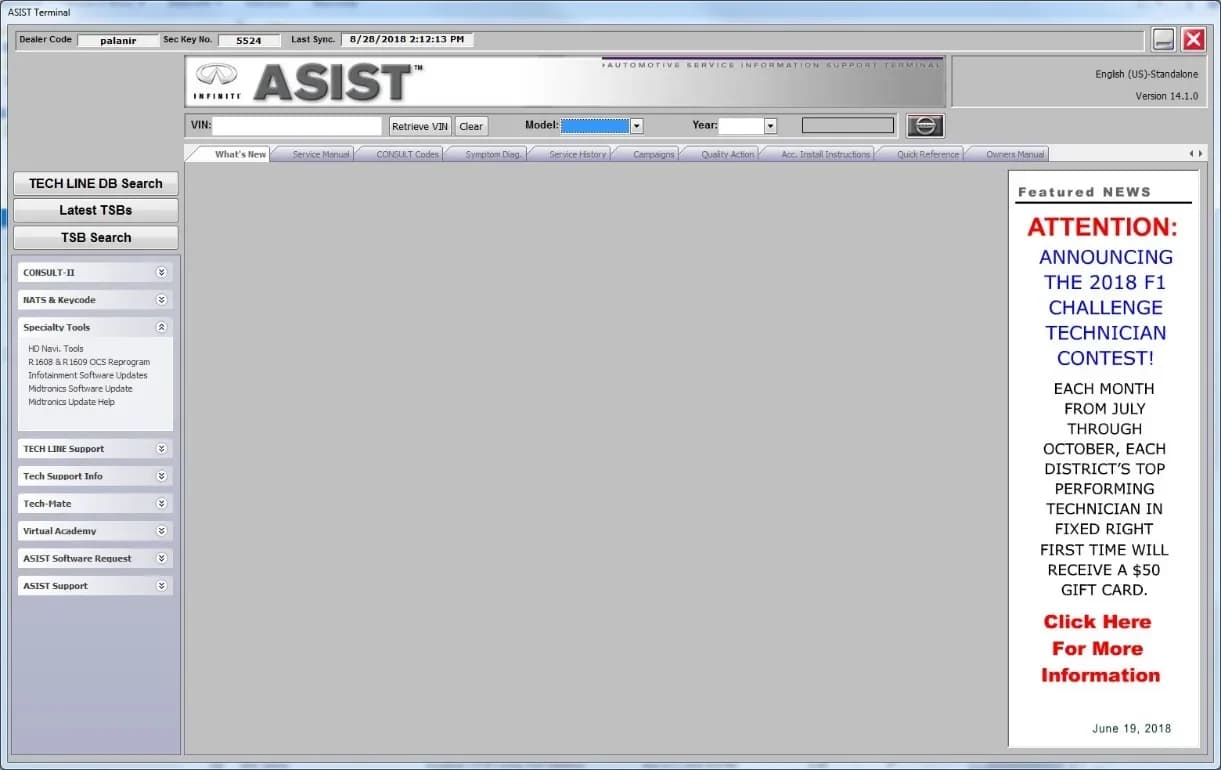
- ASIST Downloader: This Nissan diagnostic software is used to download the correct map data files to the special USB drive.
Infotainment Map Data Versions
Depending on the specific Nissan model, different infotainment map data versions are used. Technicians refer to Table 1 in the bulletin to ensure the correct data is downloaded for the vehicle.
| MODEL | INFOTAINMENT MAP DATA |
|---|---|
| Armada | PIVI17330_12_12 |
| Maxima | PIVI17330_12_12 |
| Pathfinder | AIVI17330_12_12 |
| Rogue | AIVI17330_12_12 |
| Titan/Titan XD | AIVI17330_12_12 |
Repair Procedure Summary
Nissan Technical Service Bulletin NTB23-004 outlines a detailed procedure for dealers to resolve the missing or corrupted map data issue. The process involves two main stages: preparing the USB drive and updating the vehicle's AV Control Unit.
Preparation at the Dealership:
- Technicians ensure their CONSULT PC is connected to the internet and ASIST software is synchronized. This ensures access to the latest map data files.
- The special tool USB drive (J-52727-1 / NI-52727-1) is inserted into the CONSULT PC. The map data is downloaded using the ASIST Downloader, which can take approximately 4 hours. This downloaded data can then be used for multiple affected vehicles.
- After downloading, the USB drive must be safely removed from the CONSULT PC to prevent data corruption. Figure 6 in the bulletin illustrates the 'Safely Remove Hardware' icon.
Vehicle Update:
- The vehicle's parking brake is set, and the engine is started and allowed to idle for 60 seconds to ensure the system loads properly and the battery retains charge during the update.
- The prepared USB drive is inserted into the vehicle's USB media port (Figure 7). Technicians are specifically warned not to use charging ports (Figure 8).
- After 10-30 seconds, the navigation screen will display a prompt asking to confirm the map update (Figure 9). This screen also shows the current and new map versions (e.g., Current Map Version: 17330_7_11, New Map Version: 17330_10_10) and an estimated update time (e.g., 22 minutes 38 seconds).
- Once confirmed, the system proceeds with installing the new map version (Figure 10). The vehicle must remain on until the update is complete.
- Upon completion, a confirmation message appears (Figure 11), and the USB drive can then be removed.
This comprehensive process ensures that the AV Control Unit receives the correct and uncorrupted map data, resolving the "The map data is missing or corrupted" error.
Owner Action
If you experience the "The map data is missing or corrupted" message on your 2021-2023 Nissan Armada, Maxima, Pathfinder, Rogue, or Titan/Titan XD, it is recommended to schedule an appointment with your authorized Nissan dealer. They have the necessary special tools, software, and trained technicians to perform the update described in TSB NTB23-004. This will resolve the Nissan Rogue corrupted map data issue and restore your navigation system's functionality.
NHTSA ID: 10231526
Galleria
11 immagini
Frequently Asked Questions
- What does 'The map data is missing or corrupted' mean on my Nissan?
- This message indicates that your vehicle's navigation system cannot properly access or read its map information, preventing it from functioning. It typically requires a software update to restore the map data.
- Can I fix the Nissan corrupted map data myself?
- Nissan Technical Service Bulletin NTB23-004 specifies that this repair should be performed by qualified technicians using special tools and software. Attempting to do it yourself could lead to further issues or damage.
- What is Nissan TSB NTB23-004 about?
- TSB NTB23-004 addresses the issue of missing or corrupted map data in the navigation systems of certain 2021-2023 Nissan models. It provides dealers with a procedure to download new map data to a special USB drive and then update the vehicle's AV Control Unit.
- How long does the map update take for my Nissan?
- The process involves two main parts: downloading the map data to a special USB drive, which can take up to 4 hours at the dealership, and then updating the vehicle's navigation system, which typically takes between 22 to 38 minutes.
What Nissan Rogue owners report
Counted from the records in our database across 21 model years.
- 7,429
- Owner complaints
- 45
- Recalls
- 837
- Service bulletins
- 342
- Crashes reported
- 116
- Fires reported
- 323
- Injuries reported
The 2023 model year
759 complaints, the 1st most of 21 model years on file. Owners reported 24 crashes, 3 fires and 16 injuries for this year, which also has 6 recalls on file.
Electrical System and Equipment, the system this article covers, accounts for 1,000 of 7,429 complaints (13%), including 58 for 2023.
Complaints by model year
| 2008 | 429 | |
|---|---|---|
| 2011 | 363 | |
| 2013 | 610 | |
| 2014 | 440 | |
| 2015 | 554 | |
| 2016 | 543 | |
| 2017 | 600 | |
| 2018 | 671 | |
| 2019 | 341 | |
| 2023 | 759 |
Most-reported systems
- Power Train — 1,861
- Engine — 1,227
- Electrical System — 988
- Air Bags — 835
- Service Brakes — 669
Latest recalls for the 2023 model year
- 26V080000 — Engine And Engine Cooling (Feb 2026)
- 25V437000 — Engine And Engine Cooling (Jun 2025)
- 24V156000 — Seat Belts (Feb 2024)
Recent owner reports about electrical system and equipment
The contact owns a 2023 Nissan Rogue. The contact stated that while driving at an undisclosed speed, the accelerator pedal was depressed, and the RPM became elevated. In addition, several unknown warning lights were illuminated.
Read owner complaints →I am filing this complaint regarding Nissan's handling of an open safety recall involving my vehicle and the subsequent engine failure.
Complaints are owner reports filed with NHTSA. They are unverified, and counts depend on how many vehicles were sold, so they are not a failure rate.
Related Articles
2023 Nissan Rogue Rear Seatbelt Quality Hold
Nissan has placed a temporary Quality Assurance Hold (PC936) on 32 specific 2023 Nissan Rogue (T33) vehicles in dealer inventory or in transit due to an ongoing investigation into a rear seatbelt concern. A stop sale is in effect.
2021-2023 Nissan Rogue / Pathfinder Automatic Back Door Inoperative
Nissan Technical Service Bulletin NTB21-081C details diagnostic and repair procedures for 2021-2023 Nissan Rogue and Pathfinder vehicles experiencing an inoperative automatic (power) back door. This includes issues like the door not opening, closing, or latching, and specific fault codes.
2025 Nissan Sentra Driver Seat Bracket Stop Sale
Nissan has placed a temporary Quality Assurance Hold and stop sale on certain 2025 Nissan Sentra vehicles due to an ongoing investigation into a potential driver seat bracket concern. Affected vehicles cannot be retailed or test-driven.
2015-2024 Nissan AEB Warning Light Blinking TSB
A blinking Automatic Emergency Braking (AEB) warning light in your 2015-2024 Nissan, like the Nissan Sentra AEB blinking issue, is often caused by environmental factors or a dirty windshield, not a system malfunction. Nissan TSB NTB19-042F provides diagnostic steps.
2021-2024 Nissan ICC Inoperative with DTC C1A16 or C2582
Nissan has issued TSB NTB19-033G for 2021-2024 models experiencing Intelligent Cruise Control (ICC) malfunctions, AEB/FEB warning lights, or radar obstruction messages with DTCs C1A16 or C2582. The bulletin outlines diagnostic steps and potential ICC distance sensor replacement.
Leave a comment
Comments are moderated and may take a moment to appear. Only your first name and the initial of your last name are shown publicly.
Comments
Be the first to comment.