2023-2024 Audi Connect Key User Pairing & myAudi Login Errors
Audi has released TSB 2065817/3 addressing issues with key user pairing and myAudi login failures in 2023-2024 Audi models equipped with MIB3 MMI. Learn about common error messages like 'the vehicle code is incorrect' and 'the login could not be performed' and how to resolve them.
 David Chen2023 Audi e-tron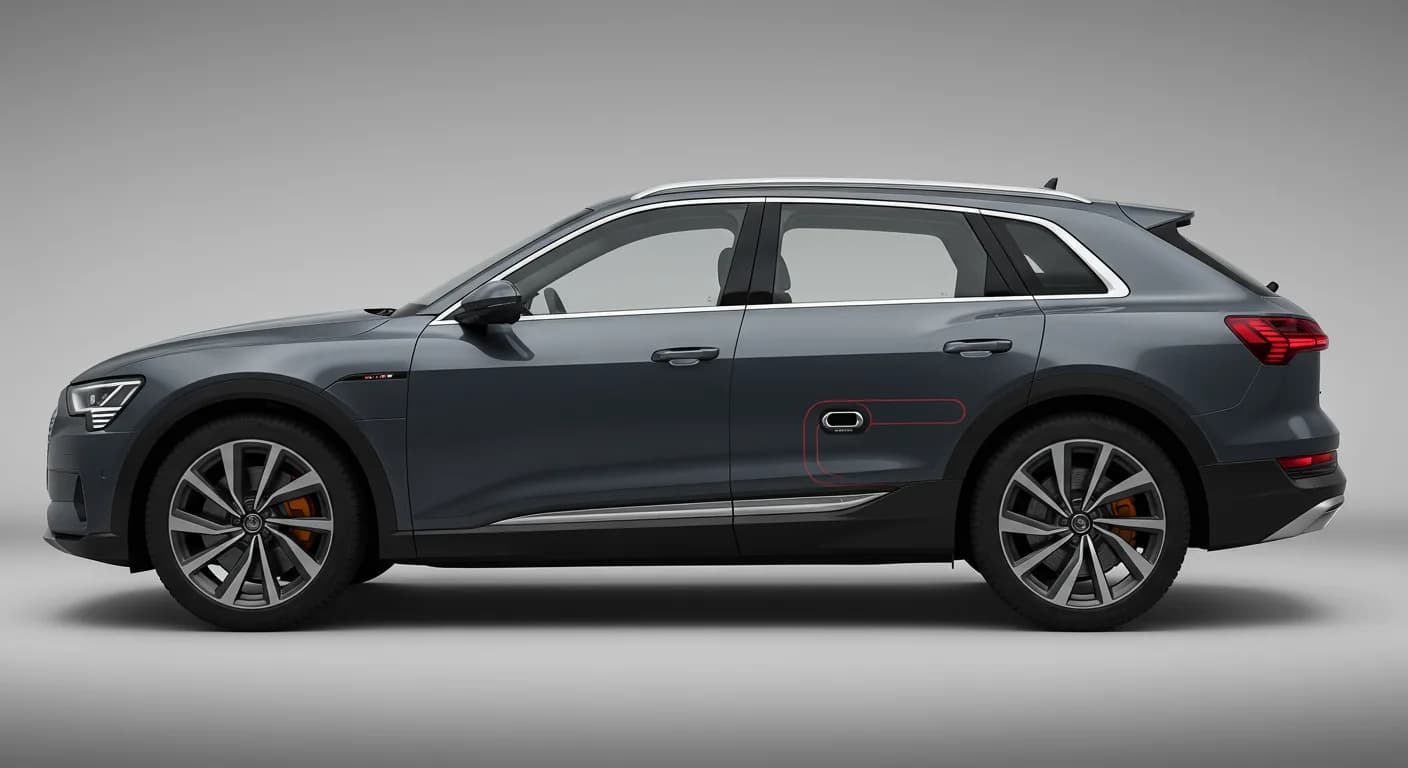
Also applies to
- Audi A3
- 2022–2024
- Audi A4
- 2021–2024
- Audi A4 allroad
- 2021–2024
- Audi A5
- 2021–2024
- Audi A6
- 2021–2024
- Audi A6 allroad
- 2021–2024
- Audi A7
- 2021–2024
- Audi A7 e
- 2021–2022
- Audi A8 L e
- 2021
- Audi e-tron
- 2021–2022
- Audi e-tron GT
- 2022–2024
- Audi Q3
- 2021–2024
- Audi Q5
- 2021–2024
- Audi Q5 e
- 2024
- Audi Q7
- 2021–2024
- Audi Q8
- 2021–2024
- Audi RS 3
- 2022–2024
- Audi RS 5
- 2021–2024
- Audi RS 6 Avant
- 2021–2024
- Audi RS 7
- 2021–2024
- Audi RS e-tron GT
- 2022–2024
- Audi RS Q8
- 2021–2023
- Audi S3
- 2022–2024
- Audi S4
- 2021–2024
- Audi S5
- 2021–2024
- Audi S6
- 2021–2024
- Audi S7
- 2021–2024
- Audi S8
- 2021–2024
- Audi SQ5
- 2021–2024
- Audi SQ7
- 2021–2024
- Audi SQ8
- 2021–2023
▸ Show 25 more▾ Show fewer
Symptoms
Owners of affected 2023-2024 Audi vehicles may encounter difficulties with the Audi connect key user pairing process or completing their myAudi login in the vehicle. These issues are typically accompanied by specific error messages displayed on the MIB3 MMI system:
- "the vehicle code is incorrect"
- "there was a connection error."
- "the login could not be performed. Please try again later."
- An indefinite display of "Please wait"
- "Vehicle code could not be verified."
Technical Background
This Technical Service Bulletin (TSB 2065817/3) addresses problems with key user pairing and myAudi login for vehicles equipped with the MIB3 MMI system. The key user pairing allows for remote services via the myAudi app (MY18+).
While there are several methods for key user pairing, including entering a vehicle code directly into the MMI or via the myAudi app, a ConBox software error can prevent a successful myAudi login. This software issue can be intermittent or permanent.
Production Solution
Audi implemented a backend change in Q1/23 to improve the key user pairing process, specifically allowing it to be set directly in the MMI for MY22+ vehicles, which was previously unavailable. This update aims to streamline the process and reduce common errors.
Troubleshooting Key User Pairing
If you are experiencing errors when adding the vehicle code into the myAudi app or the MMI, consider the following steps:
- Verify Vehicle Code: Ensure you are using the correct vehicle code. For MY20-21 cars, the last seven digits of the VIN are on the plastic key tag. If the key tag was replaced, the VIN might not be listed.
- Check for Related TSBs: For MY22 Q5 models, refer to TSB 2065729, "91 Audi connect: adding vehicle code fails with the message 'Vehicle code could not be verified.'" If you see an indefinite "Please wait" message, consult TSB 2064385, "91 Audi connect GEN3: Key User pairing in vehicle fails in the MMI."
- Re-register Customer: For other MY22 vehicles, if the code is correct, have the customer re-register in the myAudi customer registration application. This action automatically sets the preliminary key user. The myAudi login must then be performed within 72 hours in the MMI. If already logged in, log out and then log in again.
Troubleshooting myAudi Login in MMI
If you are having trouble completing the myAudi login in the vehicle using the MMI:
- For Model Year 2022 vehicles with MIB3: Check ElsaPro for open campaigns such as 90T6 ConBox Software Update (NVLW) or 91CQ ConBox Software Update (NVLW). If a campaign is open, perform the ConBox software update and retry the myAudi login. If all campaigns are complete, use ODIS to check the software version of the J949 Emergency call module (diagnostic address 0075). The updated software version should be 0372 or higher.
- For Model Year 2021 vehicles with MIB3: Check ElsaPro for the 91DZ - Rearview Camera Software Update campaign.
- For Model Year 2020 A4 and A5 with MIB3: Check ElsaPro for TSB 2067021, "91 MIB3: Garage door opener / SXM / Online Radio grayed out, connectivity issues and various malfunctions (CLU35)." Perform all software updates (MMI, ConBox, and Gateway) and then retry the myAudi login.
Additional Troubleshooting for All Models and Model Years
If the Audi connect key user pairing or myAudi login still fails after the above steps, consider these additional troubleshooting measures:
- 4-Digit S-PIN: Ensure the customer has a 4-Digit S-PIN set in the myAudi app under "myAudi account profile icon (lower right) >> Account Settings >> PIN." If only "Set PIN" is an option, a PIN needs to be created. Otherwise, use "Change PIN" or "Forgot PIN" and retry the login.
- Key User Deactivation/Reactivation: If the key user is set, using "Change PIN" temporarily deactivates remote functions. Reactivate via "User management" >> "All functions" >> "User management" >> "Select Name for Key user" >> Scroll down and select "Reactivate." Using "Forgot PIN" temporarily removes the key user until myAudi login is performed.
- VIN Management in myAudi App: Check if the VIN is added to the customer's myAudi account. If not, add it and retry login. If the VIN is present, try removing it by swiping right to left over the vehicle image on the vehicle list screen and selecting "Delete," then re-add the VIN and vehicle code. This also resets the key user.
- Contact Support: If all previous steps fail, open a ticket with the Audi Digital Business Support team via https://Audi.Zendesk.com/.
Important Notes
- A 72-hour period must be observed when performing the myAudi login after certain steps. This is a security measure for the key user pairing process. If the myAudi login is completed outside this window relative to customer registration or vehicle code addition, the user must log out and log in again.
- This TSB (2065817/3) is informational only and not applicable to any Audi Warranty.
Required Tools or Parts
Technicians will need access to ElsaPro for checking open campaigns and ODIS for verifying software versions. The following Technical Service Bulletins are also referenced for troubleshooting:
- TSB 2065729: 91 Audi connect: adding vehicle code fails with the message "Vehicle code could not be verified."
- TSB 2064385: 91 Audi connect GEN3: Key User pairing in vehicle fails in the MMI.
- TSB 2067021: 91 MIB3: Garage door opener / SXM / Online Radio grayed out, connectivity issues and various malfunctions (CLU35).
Source: NHTSA ID 10241452
Frequently Asked Questions
- What are the common error messages for Audi connect key user pairing?
- When experiencing issues with Audi connect key user pairing or myAudi login, owners may see messages such as "the vehicle code is incorrect," "there was a connection error.," "the login could not be performed. Please try again later.," or "Vehicle code could not be verified." An indefinite "Please wait" message can also indicate a problem.
- Which Audi models and years are affected by this key user pairing issue?
- This issue primarily affects 2023-2024 Audi models equipped with the MIB3 MMI system, including a wide range of A, S, RS, Q, and e-tron vehicles. Specific troubleshooting steps may vary by model year.
- What is the TSB number for the Audi connect key user pairing problem?
- The primary Technical Service Bulletin addressing the Audi connect key user pairing and myAudi login issues is TSB 2065817/3. This bulletin supersedes an earlier TSB, Group 91 number 22-42.
- What should I do if my myAudi login fails in the MMI?
- If your myAudi login fails, check for open software campaigns (like 90T6 or 91CQ ConBox Software Update) in ElsaPro and ensure your J949 Emergency call module software version is 0372 or higher. Also, verify your 4-Digit S-PIN in the myAudi app and correctly manage your VIN within the app.
- Is the repair for Audi connect key user pairing issues covered under warranty?
- According to TSB 2065817/3, this bulletin is informational only and the outlined procedures are not applicable to any Audi Warranty. Owners should consult their dealership for specific coverage details.
Related Articles
2023 Audi e-tron Problems: Recalls, Complaints & TSBs
The 2023 Audi e-tron has faced several significant safety concerns, including recalls for potential charging cable overheating and brake pedal detachment. Owners have also reported serious issues like sudden unintended acceleration and electrical system malfunctions. This profile details these…
2023 Audi e-tron Brake Pedal Recall
Audi has issued a recall (NHTSA ID: 26V240000, Audi Recall 46P7) for certain 2019-2024 E-Tron and 2020-2024 E-Tron Sportback vehicles, including the 2023 Audi e-tron. The recall addresses a potential issue where the brake pedal may detach from the brake booster, leading to a loss of brake function.
2015-2027 Audi Noise Diagnosis with Frequency Analysis App TSB
Audi has released Technical Service Bulletin 2051095/11 detailing the Audi Frequency Analysis app. This app helps technicians diagnose noise complaints more precisely across 2015-2027 Audi models. Learn how the app works, where to download it, and its features for effective vehicle noise analysis.
2023 Audi e-tron AC/DC Charging Not Possible TSB
This manufacturer communication (NHTSA ID 11031035) provides critical information for 2023 Audi e-tron owners facing issues with AC/DC charging. It specifically highlights problems linked to software version 00C6: 0093/3119, which can prevent the vehicle from charging.
2023-2025 Audi Rear Seat Reminder Message TSB 2074943/2
Audi Technical Service Bulletin 2074943/2 explains the instrument cluster message 'Please check rear seats and be aware of door safelock' in various 2023-2025 Audi models. This informational TSB details the rear occupant detection system designed to prevent children and pets from being left in…
Leave a comment
Comments are moderated and may take a moment to appear. Only your first name and the initial of your last name are shown publicly.
Comments
Be the first to comment.