2022 Audi e-tron PDI Adjustments and Checks
This document outlines the critical Pre-Delivery Inspection (PDI) steps and settings for the 2022 Audi e-tron, ensuring proper vehicle setup before customer delivery.

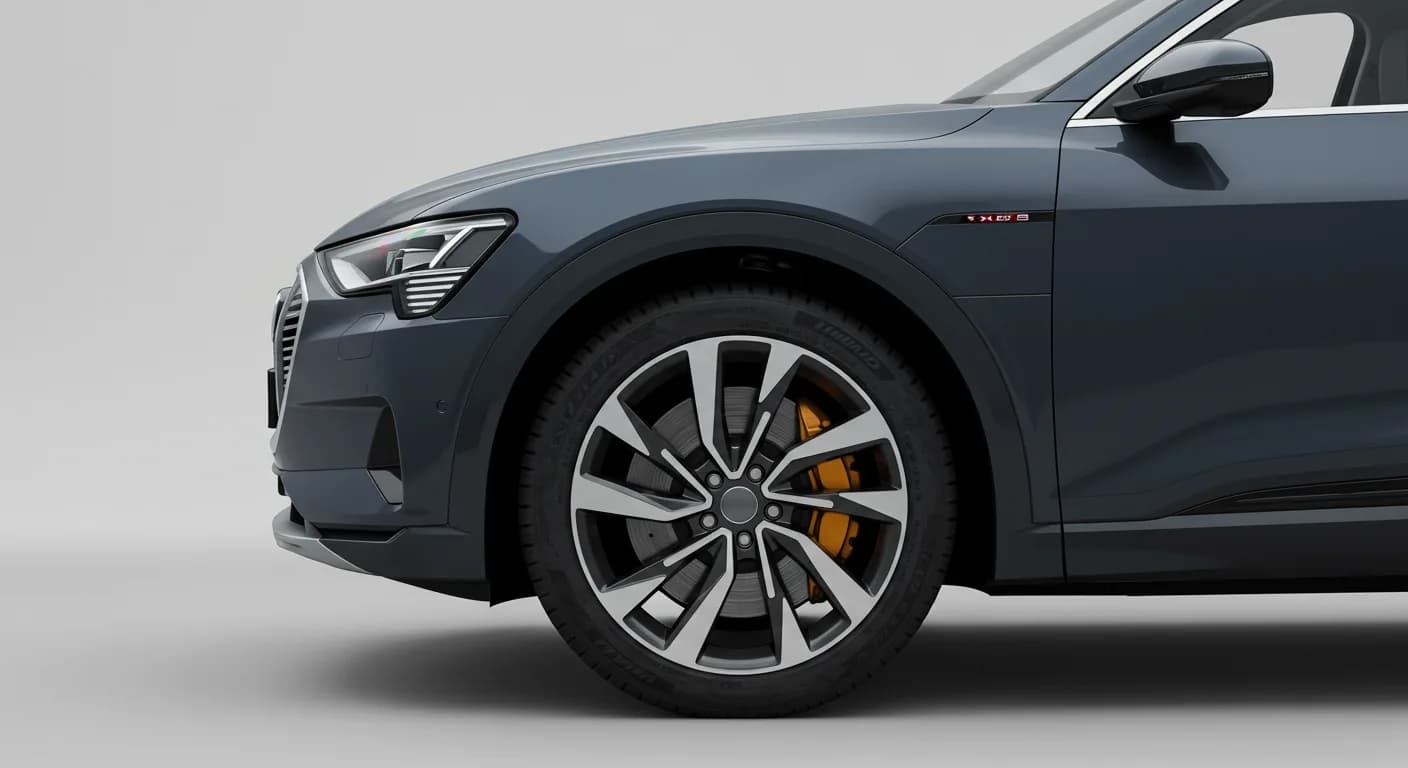
Audi has issued a Technician Reference Document to guide dealerships through the Pre-Delivery Inspection (PDI) process for the 2022 Audi e-tron, e-tron Sportback, and e-tron GT models. This document serves as a crucial resource, providing detailed instructions and settings to ensure every new vehicle is prepared correctly before customer delivery.
The PDI checklist has been streamlined for efficiency. This reference document provides additional information for specific items marked with an asterisk on the primary checklist. It ensures technicians have all the necessary details for a thorough inspection and setup.
Why This Document Matters
This reference document is vital for technicians to perform accurate and complete pre-delivery inspections. It clarifies specific settings and procedures that might not be fully detailed on the standard PDI checklist. Adhering to these guidelines ensures optimal vehicle performance, correct feature functionality, and a positive customer experience from day one.
Vehicle Preparation and Diagnostic Work
Proper vehicle preparation begins with several key steps. Technicians must perform any open campaigns relevant to the vehicle, following the instructions provided in the campaign documentation.
Diagnostic work is a critical component of the PDI. This involves connecting the vehicle diagnostic tester, selecting the "Diagnosis" mode, and starting the diagnosis. After performing vehicle identification, technicians should untick "Working with Guided Fault Finding" and switch to the "Special functions" tab. From there, they select the "Delivery Inspection total" program and carry out the check by following on-screen instructions.
If necessary, technicians must switch to the "Control units" tab, press the "Guided Fault Finding" button, and launch Guided Fault Finding to address any static event memory entries. These entries must be evaluated and processed. After completing these steps, the diagnosis is exited, and the diagnostic log for the delivery inspection is automatically sent. Additionally, the front license plate carrier must be installed if required, with any removed trim retained and given to the customer.
Exterior and Interior System Checks
Technicians are required to check all key buttons and features to ensure functionality. This includes verifying that the vehicle starts and runs with all keys, and that all doors and the trunk remotely lock/unlock, including door handle sensors with Advanced Key, if equipped. For vehicles with power door closing, proper closing functionality must be verified.
For lighting and windshield systems, front washers (and headlight washers, if equipped) must be tested, and their aim corrected if needed. Headlights must be on to test the headlight washers. Inside the vehicle, operation of window, lock, and seat controls (switches, seat adjustment, heated seats, child safety features) must be checked. Mirrors are inspected for proper operation, including folding, adjustments, right side tilt in reverse, and heating. Rear view mirror operation, including self-dimming and lighting, is also verified. Heated, ventilated, and massaging seats (front/rear) are checked, noting that massaging is typically only in the front seats. Climate control operation (heating, A/C cooling, panel vents) and all power outlets are also verified. Finally, the panoramic sunroof and sunshade operation (open/close/vent/deflector) must be confirmed.
Essential Vehicle Settings and Customizations
Several critical settings need to be configured during the PDI. The "Time source setting" should be set to "GPS", and "Auto daylight savings time" to "on". The time zone must be changed to the appropriate setting for the dealership location. Technicians must verify and set the language, which can be done via "Home > Settings > Language & Keyboard". Similarly, measurement units are verified and set through "Home > Settings > General > Measurement Units".
The Speech Dialog System must be verified by pressing the "Talk" button and testing several commands. The "Entertain. Fad." setting in Parking aid should be set to an audible level via "Home > Vehicle > Parking Aid". The "Music volume while parking" should be set to "medium" through the MMI rear view camera display, accessible via "Home > Vehicle > Parking Aid". The dealership location must be set in navigation, if equipped, for road test purposes.
An important safety setting, the "Manual Speed Warning", must be turned "off". This adjustment is made in the Driver Assistance settings by navigating to "Home > Vehicle > Driver Assistance > Speed Warning > Manual Warning Threshold = 'off'". To disable climate control via door unlock, technicians go to the Main screen, then "Vehicle", then "Climate control", select the small temperature gauge symbol in the upper right, then "settings" (wheel icon), and unselect (disable) "Start A/C after unlocking".
Media, Connectivity, and Audi connect
For media and radio systems, technicians must verify that HD Radio is turned "off". This setting is found by navigating to "Home > Radio > Gear icon" (top right corner).
For Audi connect® features (USA ONLY), several steps are required. The Wi-Fi® hotspot must be turned "on" via "Home > Settings > Connection Settings > Wi-Fi > Wi-Fi hotspot settings". Technicians must also check Wi-Fi® hotspot visibility, ensuring the SSID is set to "AUDI_MMI_XXXX", where XXXX represents the last four digits of the VIN. Finally, the satellite map view for navigation must be enabled by going to "Home > Navigation > Gear Icon > Map Settings > Satellite map", and verifying that satellite imagery appears on the navigation map screen.
On-Hoist and Driving Performance Inspections
During the on-hoist inspection, wheel bolts must be inspected for proper torque using a torque wrench. Wheel bolt covers and center caps, found in the PDI kit, must be installed. Tire pressures are set and stored according to whether the vehicle is sold or stock inventory. For a sold unit, pressures are set to the appropriate Normal Load Condition. For stock, maximum recommended tire pressures listed on the B-pillar door jamb are used. These values are then stored in "Home > Vehicle > Settings & Service > Tire pressure monitoring".
Driving performance checks include verifying electric motor performance and acceleration, listening for abnormal noise or vibrations. The vehicle is test driven, and brakes are applied at least four times at 20 mph (35 km/h) to clean the brake rotors. Technicians check for abnormal noise, vibration, or pulsation during braking.
Driver Assistance System Verification
Driver assistance systems require verification. The operation of the parking system, including Audi parking system sensors with the rear view camera, must be confirmed. All vehicle Head-up display functionality, if equipped, is checked to ensure the image can be adjusted properly and that NAV directions, speed, cruise control, and lane assist are visible.
NHTSA ID: 10194518 ```
Frequently Asked Questions
- What is the purpose of the 2022 Audi e-tron PDI adjustments document?
- The document serves as a detailed reference for technicians, guiding them through the Pre-Delivery Inspection (PDI) process for the 2022 Audi e-tron, e-tron Sportback, and e-tron GT. It ensures all necessary checks and settings are completed before a vehicle is delivered to a customer.
- How do technicians disable the Manual Speed Warning during PDI?
- To disable the Manual Speed Warning, technicians must navigate to "Home > Vehicle > Driver Assistance > Speed Warning" and set the "Manual Warning Threshold" to "off".
- What Audi connect settings are verified for the 2022 Audi e-tron?
- For Audi connect, technicians verify the Wi-Fi® hotspot is turned "on" (via "Home > Settings > Connection Settings > Wi-Fi > Wi-Fi hotspot settings"), check the hotspot's visibility with the correct SSID, and enable satellite map view for navigation (via "Home > Navigation > Gear Icon > Map Settings > Satellite map").
- Where are tire pressures stored after the on-hoist inspection?
- After setting the correct tire pressures, technicians must store these values in the vehicle's system by navigating to "Home > Vehicle > Settings & Service > Tire pressure monitoring".
What Audi e-tron owners report
Counted from the records in our database across 5 model years.
- 158
- Owner complaints
- 14
- Recalls
- 1,706
- Service bulletins
- 7
- Crashes reported
- 6
- Fires reported
- 3
- Injuries reported
The 2022 model year
31 complaints, the 3rd most of 5 model years on file. Owners reported 1 crash, 2 fires and 2 injuries for this year, which also has 6 recalls on file.
Tires and Back Over Prevention and Equipment, the system this article covers, accounts for 5 of 158 complaints (3%), including 2 for 2022.
Complaints by model year
| 2019 | 84 | |
|---|---|---|
| 2020 | 1 | |
| 2021 | 36 | |
| 2022 | 31 | |
| 2023 | 6 |
Most-reported systems
- Electrical System — 81
- Power Train — 24
- Engine — 23
- Fuel/Propulsion System — 18
- Service Brakes — 18
Latest recalls for the 2022 model year
- 26V240000 — Service Brakes, Hydraulic (Apr 2026)
- 25V900000 — Back Over Prevention (Dec 2025)
- 23V867000 — Electrical System (Dec 2023)
Recent owner reports about tires and back over prevention and equipment
Read owner complaints →Back up camera did not work and was unavailable. Car was in reverse and stationary. Issue was intermittent. Did not work three times in a row and then resolved itself. See attached photo
Complaints are owner reports filed with NHTSA. They are unverified, and counts depend on how many vehicles were sold, so they are not a failure rate.
Related Articles
2022 Audi e-tron Electrical System Problems: Complaints & TSBs
Owners of the 2022 Audi e-tron frequently report significant electrical system malfunctions, ranging from sudden power loss and charging hazards to software crashes. Braking issues and unexpected automatic emergency braking are also common concerns, alongside numerous technical service bulletins…
2022-2026 Audi Guided Fault Finding Reporting Obligation
Audi has issued Technical Service Bulletin TPI 2033392, also known as Transaction No. 2081531/1, regarding a reporting obligation for technicians when Guided Fault Finding produces an unexpected result. This TSB outlines the process for contacting Audi Product Support for diagnostic assistance.
2022-2026 Audi Infotainment System Complaints
Audi has released Technical Service Bulletin (TSB) 2081405/1 to address various customer complaints regarding infotainment systems in 2022-2026 Audi vehicles. This TSB helps technicians diagnose issues often caused by external media or mobile devices, rather than vehicle technology.
2018-2026 Audi Models Cracking Noise TSB 2061464/11
Audi Technical Service Bulletin 2061464/11 describes a cracking noise from the front or rear axle when changing direction in various 2018-2026 Audi models. The issue is due to stub axle movement and is resolved by bonding the stub axle to the wheel bearing with locking fluid.
2022-2026 Audi Parking Aid False Warnings TSB 2024323/13
Audi has released Technical Service Bulletin 2024323/13 to address customer complaints of false parking aid warnings. This bulletin details various environmental and vehicle-specific conditions that can cause the parking aid system to issue alerts even when no obstacles are present. It provides…
Leave a comment
Comments are moderated and may take a moment to appear. Only your first name and the initial of your last name are shown publicly.
Comments
Be the first to comment.