2025 BMW Models: Black CID After MFD Replacement
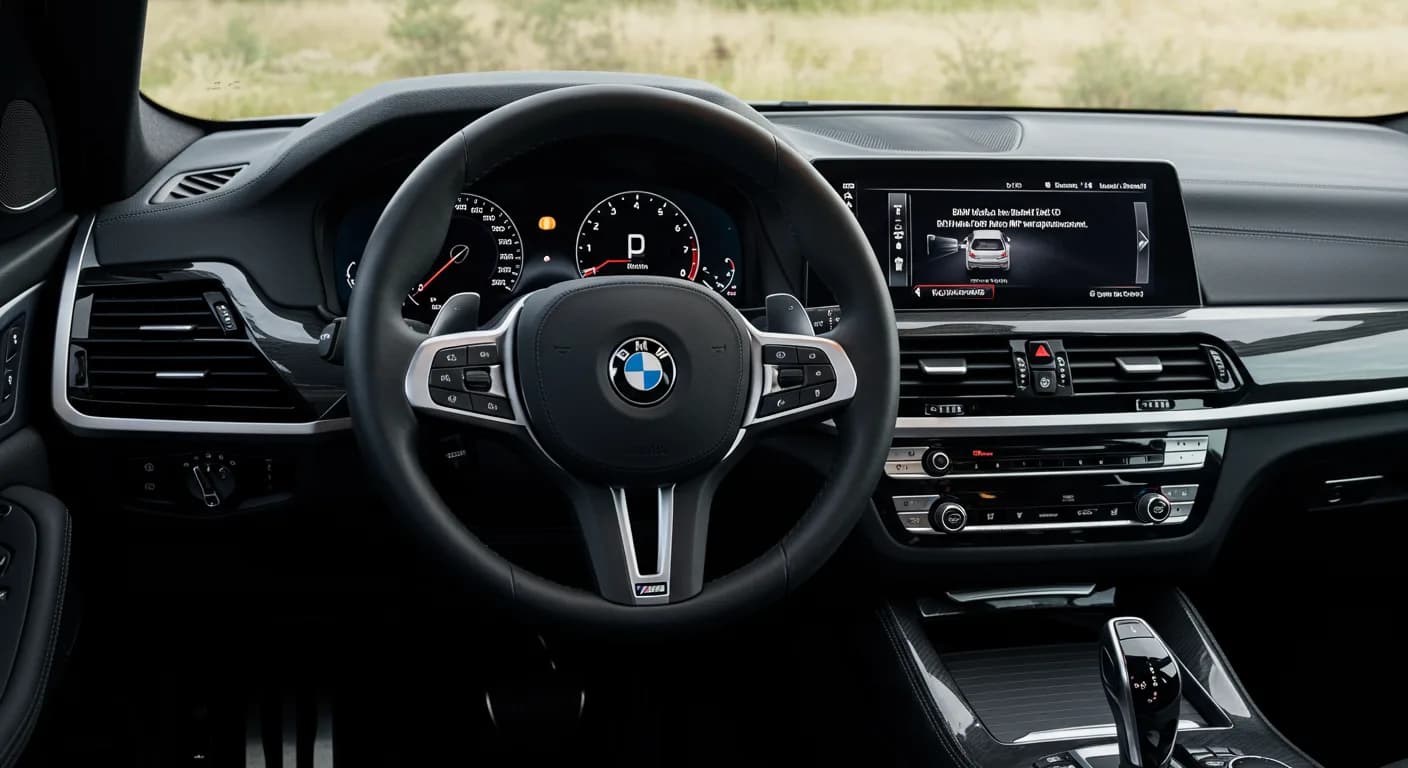
BMW Service Information Bulletin (SIB) 65 20 25 addresses an issue where the Central Information Display (CID) appears black after replacing the Multifunctional Display (MFD). This occurs due to a change in MFD suppliers from Continental to InnoLux. The fix involves a software update and a…

Si applica anche a
- BMW 230i
- 2025
- BMW 330i
- 2025
- BMW 430i
- 2025
- BMW 530i
- 2025
- BMW X3
- 2025
- BMW X6
- 2025
- BMW X7
- 2025
- BMW XM
- 2025
▸ Mostra altri 2▾ Mostra meno
BMW has issued Service Information Bulletin (SIB) 65 20 25 to address a specific issue affecting various 2025 BMW models. This bulletin, a Revision 1 dated January 14, 2026, supersedes the previous SI B65 20 25 from August 2025. It provides guidance for technicians when a "BMW MFD black CID" symptom occurs after a Multifunctional Display (MFD) replacement.
The problem arises because replacement MFD units may come from a different supplier than the original, leading to a Central Information Display (CID) that appears black even though the backlight is illuminated and touch functions still register audible feedback.
Symptoms
Owners may notice the following symptom after a Multifunctional Display (MFD) replacement:
- The Central Information Display (CID) appears black.
- The backlight of the CID is illuminated.
- The touch function of the CID still registers an audible sound, indicating partial functionality.
This specific condition is described as "CID IS BLACK AFTER REPLACING THE MULTIFUNCTIONAL DISPLAY" in the service bulletin.
Cause
The root cause of the "BMW MFD black CID" issue is a change in suppliers for the Multifunctional Display (MFD). Originally, MFDs might have been supplied by Continental. However, replacement MFDs are now often supplied by InnoLux. These different manufacturers use distinct video coding for the CID side, which results in the display appearing black if the vehicle's software is not updated to recognize the new MFD's coding.
Important Warnings
When performing any programming or coding procedures on your BMW, it is crucial to maintain a stable power supply. Technicians are instructed to "Always connect a BMW-approved battery charger/power supply (SI B04 23 10)" to prevent voltage drops that could damage control modules or interrupt the programming process.
Repair Procedure Details
The correction for the "BMW MFD black CID" involves a software update and a specific conversion. This procedure ensures the vehicle's system properly recognizes and codes the InnoLux replacement MFD. The steps outlined in SIB 65 20 25 are as follows:
- Verify ISTA Version: Ensure that ISTA Version 4.57.29 (released January 13, 2026) or a newer version is installed at the dealership. This specific ISTA version is required for the coding to function with Head Unit 4 (HU-H4).
- Install MFD: Install the replacement InnoLux Multifunctional Display (MFD) in the vehicle.
- Initiate Conversion in ISTA: In the ISTA system, navigate through the menu to Vehicle Management > Vehicle Modification > Conversion. Then, select the specific option for "Replacement of display cluster in the case of replacement parts."
- Perform Conversion: Execute the conversion procedure within ISTA. This process will automatically reprogram and code all programmable control modules that do not have the latest software.
- Programming Steps: During programming, ensure the following:
- A BMW-approved battery charger is connected to the vehicle.
- The programming system (ISTA 4) is connected to the vehicle.
- Select "Replacement of display cluster in the case of replacement parts" in ISTA.
- Determine the measures plan.
- Accept and fully work through the measures plan with the control units to be programmed/encoded and enabled.
- Follow the rework list provided.
- Depending on the rework list, carry out a vehicle test and delete any fault memory if needed.
This conversion adds the service action code SA 8WM – “Control D” to the Vehicle Order, which triggers the correct video coding for the InnoLux MFD version. After programming is complete, the functionality of the system must be checked.
Claim and Warranty Information
Repairs for this issue, when performed in conjunction with an applicable covered Telematics Control Module replacement, are typically covered under the terms of the BMW New Vehicle Limited Warranty for Passenger Cars and Light Trucks or the BMW Certified Pre-Owned Program.
The primary AIR Repair Code for claiming this specific issue, if it results in a permanent display failure, is 6552001200. This code is associated with the description "Onboard monitor / control display / central information display (CID), front (including trim cover) Permanent failure". If another repair code applies, it should be used for the Multifunctional Display replacement that required the additional "Replacement of display cluster in the case of replacement parts" conversion.
Labor operations and allowances for this repair include:
For a covered MFD replacement after diagnosis:
- 65 50 210: "Remove and install instrument cluster (Main Work)" – As applicable
- Or 84 10 850: "Remove and install instrument cluster (Plus Work)" – As applicable
- Worktime to perform the conversion "Replacement of display cluster in the case of replacement parts" – 1 FRU
For vehicles currently in the workshop for a covered MFD replacement (without an open programming campaign):
- 61 00 730: "Program/encode control unit(s), includes deleting the fault memory" – As applicable
For vehicles returning to the workshop with this issue after a previous MFD replacement:
- 00 00 006: "Carrying out vehicle test (Main work)" – As applicable
- Or 00 00 556: "Carrying out vehicle test (Plusposition work)" – As applicable
- 61 21 528: "Supporting voltage of the vehicle electrical system / recharging vehicle battery" – As applicable
- As needed, 61 00 006*: "Carrying out vehicle diagnosis, ABL (Work time)" – WT FRU
- Or 00 58 500*: "Diagnosis Worktime Flat Rate" – 2 FRU
- 84 99 000: "Worktime to perform the conversion “Replacement of display cluster in the case of replacement parts”" – 1 FRU
- 61 00 730: "Program/encode control unit(s), includes deleting the fault memory" – As applicable
If multiple control modules fail during the reprogramming procedure, technicians must claim the required consequential repair work, including performing the IRAP Control Unit Recovery, under the Repair Code in this bulletin.
Source: NHTSA ID: 10252516
Frequently Asked Questions
- What is BMW SIB 65 20 25 about?
- BMW Service Information Bulletin (SIB) 65 20 25 addresses a problem where the Central Information Display (CID) appears black after the Multifunctional Display (MFD) has been replaced. This issue is specific to certain 2025 BMW models.
- Why does my 2025 BMW's CID appear black after MFD replacement?
- The "BMW MFD black CID" issue occurs because the replacement Multifunctional Display (MFD) may be from a different supplier (InnoLux) than the original (Continental). This supplier change requires specific video coding that the vehicle's software might not initially support, leading to a black display.
- How is the "Replacement of display cluster in the case of replacement parts" issue fixed?
- The fix involves updating the vehicle's software and performing a specific conversion procedure in the ISTA diagnostic system. This conversion adds a special code (SA 8WM – “Control D”) to the Vehicle Order, which enables the proper video coding for the new InnoLux MFD.
- What is the AIR Repair Code for this MFD replacement issue?
- The primary AIR Repair Code for this issue, if it results in a permanent failure of the display, is 6552001200, labeled as "Onboard monitor / control display / central information display (CID), front (including trim cover) Permanent failure".
What BMW X5 owners report
Counted from the records in our database across 27 model years.
- 3,423
- Owner complaints
- 114
- Recalls
- 1,651
- Service bulletins
- 120
- Crashes reported
- 159
- Fires reported
- 132
- Injuries reported
The 2025 model year
63 complaints, the 24th most of 27 model years on file. Owners reported 9 crashes, 1 fire and 5 injuries for this year, which also has 5 recalls on file.
Electrical System, the system this article covers, accounts for 587 of 3,423 complaints (17%), including 8 for 2025.
Complaints by model year
| 2001 | 160 | |
|---|---|---|
| 2006 | 195 | |
| 2008 | 235 | |
| 2009 | 157 | |
| 2011 | 331 | |
| 2012 | 295 | |
| 2013 | 162 | |
| 2015 | 152 | |
| 2019 | 194 | |
| 2025 | 63 |
Most-reported systems
- Engine — 749
- Air Bags — 663
- Electrical System — 587
- Power Train — 475
- Fuel/Propulsion System — 335
Latest recalls for the 2025 model year
- 26V422000 — Service Brakes, Hydraulic (Jul 2026)
- 24V697000 — Electronic Stability Control (Esc) (Sep 2024)
- 24V345000 — Seat Belts (May 2024)
Recent owner reports about electrical system
While driving my 2025 BMW X5 xDrive50e, a “Power Supply Malfunction – Stop Vehicle Immediately” warning appeared on the dashboard, advising me to pull over and call roadside assistance.
Read owner complaints →Brand new x5 bmw 50e came to a stop and entire car went dead. No start, lights, in total darkness with no emergency lights. Dash screen did show a drive trane malfunction before it totally died.
Complaints are owner reports filed with NHTSA. They are unverified, and counts depend on how many vehicles were sold, so they are not a failure rate.
Related Articles
2025 BMW X5/X6/X7 Brake Booster Service Action Reminder
BMW has issued a service action reminder for certain 2025 X5, X6, and X7 models concerning a potentially faulty brake booster. Affected vehicles may exhibit a modified pedal feel or a 'red Check Control message' and require a free brake booster replacement.
2025 BMW Automate My Habits Settings Lost SIB 65 08 26
A BMW Service Information Bulletin (SIB 65 08 26) addresses an issue where 'Automate My Habits' settings are lost after a software update to version 25-07-5XX. This affects various 2025 BMW models, including X-series, 4-series, and 7-series vehicles.
2025 BMW Door Seal Detachment SIB 51 22 24
BMW has released Service Information Bulletin SIB 51 22 24 (Revision 3) to address instances of main door seal detachment at the sealing joint in various 2025 models. This bulletin outlines the symptoms, cause, and a partial replacement procedure for the affected door seals.
2025 BMW Secure Element Failure During Engine Start SIB 61 01 26
This BMW Service Information Bulletin (SIB 61 01 26) details a software issue causing "Secure Element Failure During Engine Start" in 2025 BMW models, leading to the "Drive carefully. Driving stabilisation." message and specific fault codes. A software update is the prescribed fix.
2025 BMW Infotainment Software Issues SIB 65 27 25
BMW has released Service Information Bulletin SIB 65 27 25 to address various software-related issues affecting the infotainment head units (HU-H4, HU-H5, HU-H6) in certain 2025 BMW models, including the X5 and X3. Symptoms range from head unit resets and delayed startup to problems with…
Leave a comment
Comments are moderated and may take a moment to appear. Only your first name and the initial of your last name are shown publicly.
Comments
Be the first to comment.