2023-2024 BMW Reading Lights Not Bright Enough
Owners of certain 2023-2024 BMW models may find their overhead reading lights are not bright enough. BMW Service Information Bulletin SIB 63 01 24 clarifies that this is due to a factory default setting for minimum intensity, not a vehicle fault, and can be easily adjusted.
 Sarah Mitchell2024 BMW iX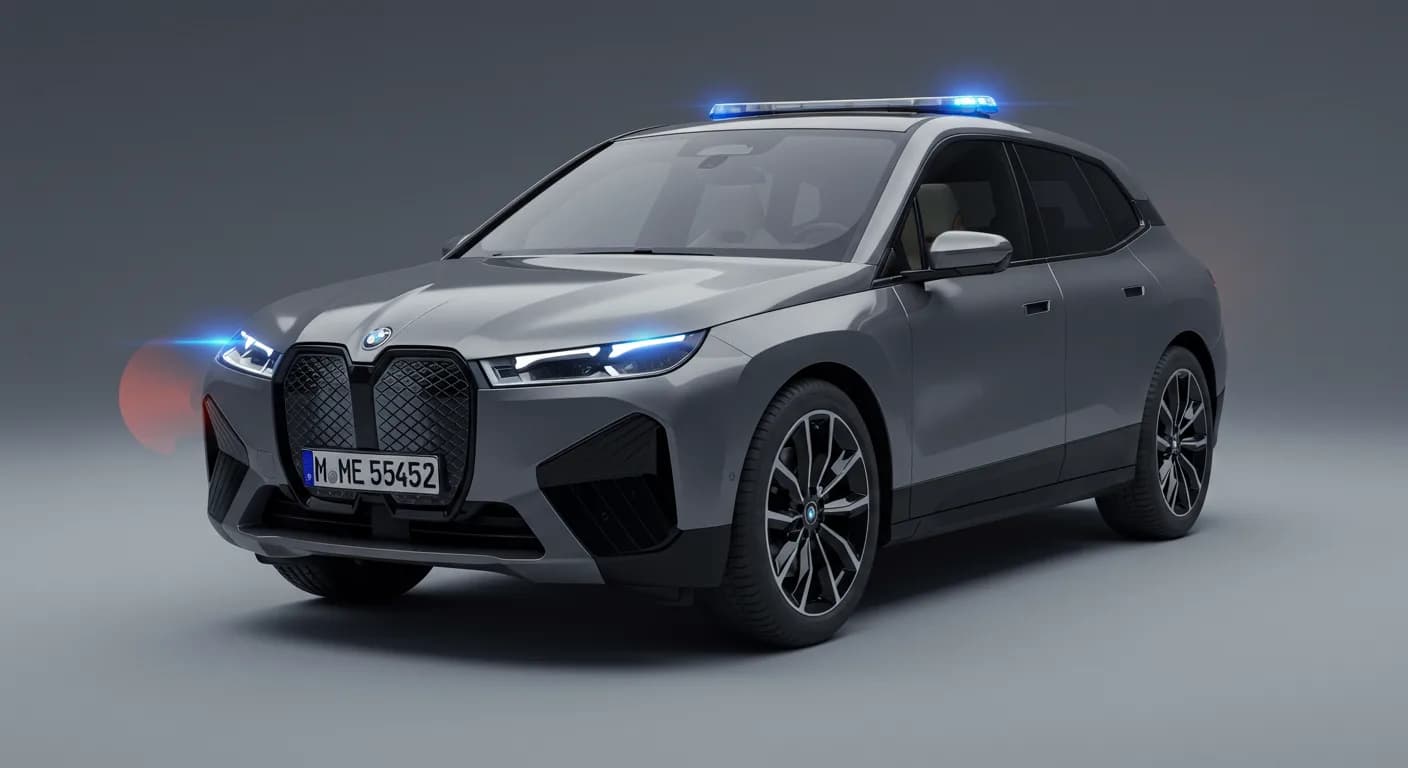
Şu araçlar için de geçerli
- BMW X1
- 2024
- BMW X2
- 2023
- BMW XM
- 2024
Symptoms
Owners of various 2023-2024 BMW models, including the iX, X1, X2, XM, and 5 Series Sedan, may observe that the overhead reading lights within their vehicle do not provide sufficient illumination. This concern is specifically noted for vehicles equipped with Service Pack 2021 (SP21). The perceived lack of brightness can affect comfort and utility, particularly when trying to read or locate items in the cabin during low-light conditions.
Diagnosis and Cause
BMW has clarified the reason behind the dim reading lights in affected vehicles. According to Service Information Bulletin SIB 63 01 24, the factory's “default setting” for the “brightness” of the reading lights is initially configured to their “minimum/lowest intensity.” This means the lights are functioning as programmed from the factory, rather than indicating an electrical or component failure. The bulletin explicitly states, “There is no fault in the vehicle,” emphasizing that this is an intended, albeit adjustable, operational characteristic. This default setting ensures a subtle ambient light, but it might not meet every driver's preference for brighter task lighting.
Repair Procedure Summary
The correction for the dim reading lights involves a simple adjustment of the brightness setting through the vehicle's infotainment system. This process does not require any specialized tools or a visit to a service center, allowing owners to customize their interior lighting to their preferred level. No parts are required for this adjustment.
To adjust the reading light brightness, follow these steps:
- Access the “Apps menu” on your BMW's central display screen.
- Select the “Vehicle” option from the menu.
- Navigate to “Interior lighting” settings.
- Choose “Reading light per seat” to access individual light controls.
- Select the specific seat (e.g., driver, front passenger, rear left) whose reading light you wish to adjust.
- Choose your desired brightness setting from the available options.
This adjustment allows for immediate changes to the illumination level, enhancing visibility and comfort within the cabin.
Important Warnings and Notes
BMW explicitly states that the condition of the reading lights being set to “minimum/lowest intensity” is “no fault in the vehicle.” Owners should understand that this is a configurable feature, not a defect.
For SP21 (Service Pack 2021) vehicles that have a factory I-Level software version of ...24-07-500 or higher, the reading lights' brightness will already be set to maximum by default. This means vehicles with newer software levels should not experience this particular issue.
This Service Information Bulletin, SIB 63 01 24, specifically addresses certain models and does not apply to G70 (7 Series Sedan) vehicles. Owners of G70 models experiencing similar issues should consult their dealer for alternative diagnostics.
BMW encourages technicians to “Please explain the settings feature for the reading lights to the customer” to ensure owners are aware of how to personalize their vehicle's interior lighting.
Owner Action
If you own a 2023-2024 BMW iX, X1, X2, XM, or 5 Series Sedan and find the reading lights to be insufficiently bright, the recommended action is to adjust the settings yourself using the procedure outlined in this article. Since the issue of your BMW iX reading lights being dim is a default setting and not a fault, a dealer visit is generally not necessary for this specific concern. This adjustment is free of charge and can significantly improve your driving experience by providing adequate light for reading maps, documents, or assisting passengers.
Source: NHTSA Manufacturer Communication 11000509
Frequently Asked Questions
- Why are my BMW's reading lights not bright enough?
- According to BMW Service Information Bulletin SIB 63 01 24, the reading lights in certain 2023-2024 BMW models are set to their “minimum/lowest intensity” from the factory. This is a default setting, not a vehicle fault.
- Is the dim reading light issue a defect in my BMW?
- No, BMW explicitly states that “There is no fault in the vehicle.” The dimness is due to a configurable factory setting for the reading lights, which can be adjusted by the owner.
- How can I make my BMW iX reading lights brighter?
- You can adjust the brightness through your vehicle's infotainment system. Go to “Apps menu” > “Vehicle” > “Interior lighting” > “Reading light per seat,” select the desired seat, and then choose a brighter setting.
- Does BMW Service Information Bulletin SIB 63 01 24 apply to all BMW models?
- No, this bulletin applies to specific SP21 (Service Pack 2021) vehicles, including certain 2023-2024 BMW iX, X1, X2, XM, and 5 Series Sedan models. It explicitly does not apply to G70 (7 Series Sedan) vehicles.
Related Articles
2024-2025 BMW iX Tailgate Groaning Noise SIB 51 05 26
BMW has issued Service Information Bulletin SIB 51 05 26 for 2024-2025 iX Battery Electric Vehicles experiencing a "groaning" noise when the tailgate closes. The bulletin attributes the noise to contamination on the tailgate stop pads and wedges, providing a cleaning procedure.
2022-2025 BMW iX Window Inoperative in Freezing Temperatures
BMW has issued Service Information Bulletin (SIB) 51 13 25 for 2022-2025 iX models regarding door window glass becoming inoperative in freezing temperatures. Learn about the symptoms, causes, and the recommended cleaning and lubrication repair.
2022-2025 BMW iX Clicking Sound from Driver's Footwell TSB
BMW has issued Service Information Bulletin SIB 51 02 25 for 2022-2025 iX models experiencing a 'clicking' sound from the driver's footwell. The issue is caused by an air duct clamp and is resolved by applying felt tape.
2024 BMW iX Right Ball Joint Parts Return Bulletin
BMW Parts Bulletin TEC776 addresses the return of incorrect right ball joint parts (P/N 32 10 5 A2B D08) for the 2024 BMW iX. Affected inventory must not be sold, and dealers must follow specific return procedures by August 22, 2025.
2024 BMW iX Wheel Insert Return Bulletin TEC767
BMW Parts Bulletin TEC767 mandates the return of specific wheel insert part numbers 36 13 5 A3D E22 and 36 13 5 A3D E23 for the 2024 BMW iX. This action ensures quality control, with strict deadlines for dealers to return affected parts.
Yorum bırakın
Yorumlar moderasyondan geçer ve görünmesi biraz zaman alabilir. Sadece adınız ve soyadınızın baş harfi herkese açık olarak gösterilir.
Yorumlar
İlk yorum sizden olsun.