2021 BMW Remote 3D View Not Available
BMW has identified an issue affecting 2021 models where the "Remote 3D View" feature cannot be launched through the BMW ConnectedDrive App. This manufacturer communication, NHTSA ID 10200488, addresses the problem.
 Sarah Mitchell2021 BMW 330i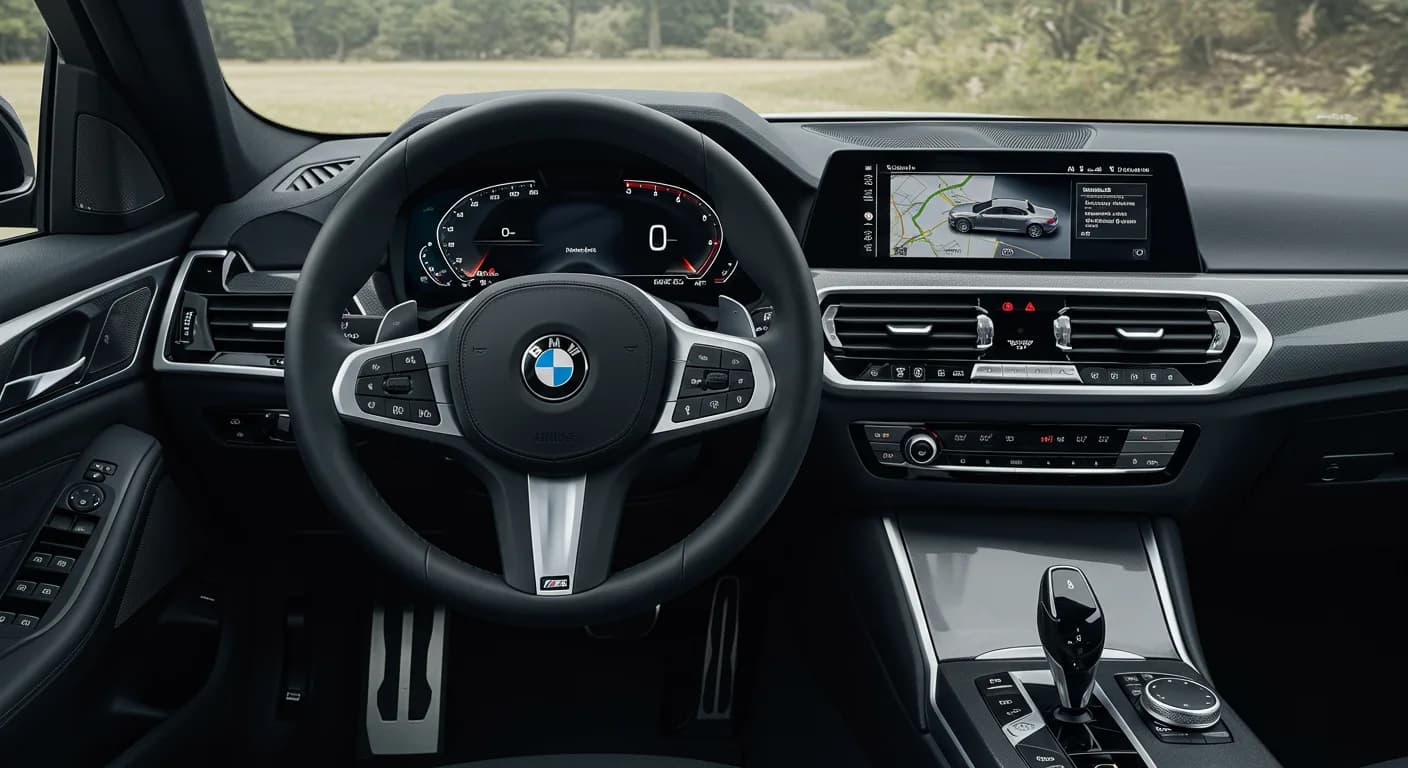
Şu araçlar için de geçerli
- BMW 330e
- 2021
- BMW 530e
- 2021
- BMW 530i
- 2021
- BMW 540i
- 2021
- BMW 740i
- 2021
- BMW 840i
- 2021
- BMW M340i
- 2021
- BMW M5
- 2021
- BMW M550i
- 2021
- BMW M760i
- 2021
- BMW M8
- 2021
- BMW M850i
- 2021
- BMW X3
- 2021
- BMW X4
- 2021
- BMW X5
- 2021
- BMW X6
- 2021
- BMW X7
- 2021
- BMW Z4
- 2021
▸ 12 tane daha göster▾ Daha az göster
Owners of various 2021 BMW models, including the 330i, may encounter a situation where the "Remote 3D View" feature is unavailable. This issue, documented under NHTSA ID 10200488, means that the function cannot be activated or viewed through the BMW ConnectedDrive App. This communication from BMW acknowledges the problem, which falls under the EQUIPMENT:ELECTRICAL component category.
Symptoms
The primary symptom reported by BMW is that the "Remote 3D View cannot be launched In the BMW ConnectedDrive App." This means that when attempting to use this feature, which allows owners to remotely view their vehicle's surroundings, the application fails to initiate the view. The BMW Remote 3D View feature is a convenience function that relies on the vehicle's cameras and connectivity.
What Owners Should Know
This manufacturer communication identifies a specific issue where the BMW Remote 3D View feature is not functioning as intended for certain 2021 BMW vehicles. While the communication acknowledges the problem, it does not detail a specific repair procedure or an immediate fix for owners to perform. Owners experiencing this issue should monitor official BMW channels or contact their authorized BMW dealership for further information and potential solutions. The problem is linked to the vehicle's electrical equipment and its interaction with the ConnectedDrive App.
Next Steps
If you own a 2021 BMW and are experiencing the "Remote 3D View not available" issue, it is advisable to contact your local BMW dealership. They can check for any pending software updates or service actions related to this specific problem. Ensure to mention the symptom: "Remote 3D View cannot be launched In the BMW ConnectedDrive App." Keeping your BMW ConnectedDrive App updated to the latest version is also a good practice.
Source: NHTSA Manufacturer Communication 10200488
Related Articles
2021 BMW 330i SRS Sensor Mat Warranty Extension
BMW has announced a warranty extension for the Supplemental Restraint Systems (SRS) Front Passenger’s Seat Occupancy Capacitive Interior Sensor (CIS) Mat in certain 2021 330i and 330e vehicles. This extension covers defects causing false seat occupancy alerts for 10 years or 120,000 miles from the…
2021 BMW 3 Series False Seat Occupancy Alert
BMW has released Service Information Bulletin SIB 72 02 25 addressing a false seat occupancy alert in 2021 BMW 3 Series vehicles. This bulletin extends the warranty for the Supplemental Restraint Systems (SRS) Front Passenger's Seat Occupancy Capacitive Interior Sensor (CIS) Mat.
2021-2022 BMW 3 Series AC Rattling Noise TSB
Owners of 2021-2022 BMW 3 Series vehicles may experience a rattling noise from the air conditioning system when it is activated. This manufacturer communication (NHTSA ID: 10212798) addresses the symptom and provides guidance for diagnosis and repair.
2021 BMW 330i HOD Electronics Coding Error
A manufacturer communication addresses a coding error in 2021 BMW 330i, M340i, and 330e vehicles. After replacing and encoding the Hands-on Detection (HOD) electronics, an incorrect parameter may be transferred, potentially affecting system function.
2021 BMW 3/5 Series, X3 Fuel Mixture Adaptation Issue
A manufacturer communication from BMW addresses an issue in certain 2021 BMW 3 Series, 5 Series, and X3 vehicles where fuel vapor scavenging can lead to incorrect fuel mixture adaptation values, primarily in the low-end torque range.
Yorum bırakın
Yorumlar moderasyondan geçer ve görünmesi biraz zaman alabilir. Sadece adınız ve soyadınızın baş harfi herkese açık olarak gösterilir.
Yorumlar
İlk yorum sizden olsun.